Small Business Bookkeeping: A Complete Guide for Business Owners (2026)

small business bookkeeping

Running a successful business isn’t just about making sales—it’s about knowing where your money comes from and where it goes. Whether you’re launching a startup or managing an established company, small business bookkeeping is one of the most important financial practices you can implement.

Accurate bookkeeping helps you understand your company’s financial health, prepare for tax season, improve cash flow, and make informed business decisions. It also makes your business more attractive to lenders, investors, and potential buyers if you ever decide to sell.

In this guide, we’ll explain everything you need to know about small business bookkeeping, including best practices, common mistakes to avoid, and how good financial records can support long-term growth.

What Is Small Business Bookkeeping?

Small business bookkeeping is the process of recording, organizing, and maintaining a company’s financial transactions. Every sale, expense, payment, invoice, and bank transaction should be accurately documented.

Bookkeeping provides the financial data needed to create reports such as:

  • Profit and Loss Statement
  • Balance Sheet
  • Cash Flow Statement
  • Accounts Receivable Reports
  • Accounts Payable Reports

Unlike accounting, which focuses on analyzing financial information and preparing tax returns, bookkeeping focuses on recording daily financial activity accurately.

Why Small Business Bookkeeping Matters

Many business owners only think about bookkeeping during tax season. Unfortunately, waiting until the last minute often leads to missing records, inaccurate reports, and unnecessary stress.

Proper bookkeeping provides several benefits.

Better Cash Flow Management

Cash flow is one of the biggest reasons small businesses struggle. Bookkeeping helps you monitor incoming revenue and outgoing expenses so you always know how much cash is available.

When your records are current, you can identify slow-paying customers, unnecessary expenses, and seasonal fluctuations before they become major problems.

Easier Tax Preparation

Accurate bookkeeping simplifies tax filing because your financial information is already organized.

Instead of searching for receipts and invoices at the end of the year, you’ll already have categorized income and expenses ready for your accountant or tax software.

This also reduces the risk of:

  • Missed deductions
  • Filing errors
  • IRS penalties
  • Late tax payments

Smarter Business Decisions

Financial reports help answer important questions, including:

  • Which products generate the most profit?
  • Are expenses increasing?
  • Can the business afford to hire another employee?
  • Is it time to expand?

Without reliable bookkeeping, these decisions become educated guesses instead of informed business strategies.

Improved Business Valuation

If you eventually decide to sell your business, buyers will expect organized financial records.

Incomplete bookkeeping often delays due diligence and may reduce your company’s value because buyers perceive additional risk.

Clean books demonstrate that your business is professionally managed and financially stable.

What Does a Small Business Bookkeeper Do?

A bookkeeper performs several important financial tasks that keep your records accurate and current.

Typical responsibilities include:

  • Recording daily transactions
  • Managing invoices
  • Tracking expenses
  • Reconciling bank accounts
  • Monitoring accounts receivable
  • Tracking accounts payable
  • Maintaining payroll records
  • Preparing monthly financial reports
  • Organizing receipts and supporting documents

These records become the foundation for accounting, tax preparation, budgeting, and financial planning.

Essential Bookkeeping Tasks

Record Every Transaction

Every financial transaction should be recorded, including:

  • Sales
  • Vendor payments
  • Customer refunds
  • Loan payments
  • Business purchases
  • Credit card transactions

Missing transactions create inaccurate financial statements.

Track Business Expenses

Keeping detailed expense records allows you to monitor spending while maximizing tax deductions.

Common business expenses include:

  • Office supplies
  • Utilities
  • Software subscriptions
  • Marketing
  • Insurance
  • Professional services
  • Travel expenses
  • Equipment purchases

Reconcile Bank Accounts

Bank reconciliation compares your bookkeeping records against your bank statements.

This process helps identify:

  • Duplicate transactions
  • Missing deposits
  • Bank errors
  • Unauthorized charges

Monthly reconciliation improves accuracy and prevents larger financial issues.

Organize Receipts

Digital receipt storage has become much easier with bookkeeping software.

Keeping receipts organized supports:

  • Tax deductions
  • Expense verification
  • Financial audits
  • Warranty claims

Manage Accounts Receivable

Late customer payments hurt cash flow.

Monitor outstanding invoices regularly by:

  • Sending invoices promptly
  • Following up on overdue balances
  • Offering convenient payment methods
  • Reviewing aging reports

Manage Accounts Payable

Paying bills on time helps maintain positive supplier relationships while avoiding late fees.

Track:

  • Due dates
  • Vendor balances
  • Payment history
  • Recurring bills

Single-Entry vs. Double-Entry Bookkeeping

There are two common bookkeeping systems.

Single-Entry Bookkeeping

Single-entry bookkeeping records each transaction once.

It works well for:

  • Freelancers
  • Sole proprietors
  • Very small businesses

Advantages:

  • Simple
  • Easy to maintain
  • Lower learning curve

Disadvantages:

  • Limited reporting
  • Higher risk of errors

Double-Entry Bookkeeping

Double-entry bookkeeping records every transaction twice:

  • One debit
  • One credit

This method produces more accurate financial statements and is the preferred system for most growing businesses.

Advantages include:

  • Better accuracy
  • Detailed financial reporting
  • Easier error detection
  • Improved financial analysis

DIY Bookkeeping vs. Hiring a Professional

Many entrepreneurs begin by managing their own books.

DIY bookkeeping can save money if your finances are relatively simple.

However, as your business grows, bookkeeping often becomes more time-consuming.

Hiring a professional bookkeeper may be worthwhile if:

  • Transactions increase significantly
  • Payroll becomes more complex
  • Inventory management is required
  • Financial reporting becomes more important
  • You’re preparing to seek financing or sell the business

Professional bookkeeping allows owners to focus on growing the business rather than managing spreadsheets.

Best Bookkeeping Software for Small Businesses

Modern bookkeeping software automates many repetitive tasks.

Popular options include:

  • QuickBooks Online
  • Xero
  • FreshBooks
  • Wave Accounting
  • Zoho Books

These platforms can automatically import bank transactions, generate invoices, reconcile accounts, and create financial reports.

When choosing software, consider:

  • Ease of use
  • Pricing
  • Integrations
  • Reporting features
  • Scalability

Common Bookkeeping Mistakes

Many small businesses make avoidable bookkeeping errors.

The most common include:

Mixing Personal and Business Finances

Always maintain separate business bank accounts and credit cards.

Combining personal and business expenses creates confusion and tax complications.

Falling Behind

Waiting several months before updating financial records often leads to missing information.

Set aside time every week to update your books.

Ignoring Bank Reconciliation

Unreconciled accounts can hide errors, duplicate transactions, or fraudulent activity.

Monthly reconciliation should become part of your regular routine.

Poor Expense Categorization

Incorrectly categorized expenses can produce misleading financial reports and inaccurate tax filings.

Maintain consistent categories throughout the year.

Losing Receipts

Receipts support tax deductions and verify business expenses.

Use cloud storage or bookkeeping software to store digital copies.

Best Practices for Small Business Bookkeeping

Successful business owners often follow these habits:

  • Separate business and personal finances.
  • Update bookkeeping weekly.
  • Automate recurring transactions when possible.
  • Back up financial records securely.
  • Review monthly financial statements.
  • Monitor cash flow regularly.
  • Keep detailed documentation for every transaction.
  • Work with a qualified accountant for tax planning.

Consistency is more important than perfection.

How Good Bookkeeping Increases Business Value

If your long-term goal is to sell your business, bookkeeping plays a critical role in maximizing value.

Potential buyers want confidence that financial information is accurate and complete.

Well-maintained books help:

  • Speed up due diligence
  • Build buyer trust
  • Support higher business valuations
  • Reduce unexpected financial surprises
  • Demonstrate operational stability

Businesses with organized financial records are generally easier to evaluate and more attractive to qualified buyers.

Frequently Asked Questions

What is small business bookkeeping?

Small business bookkeeping is the process of recording and organizing a company’s financial transactions to maintain accurate financial records.

Can I do my own bookkeeping?

Yes. Many small business owners manage their own bookkeeping using accounting software, especially during the early stages of their business.

How often should bookkeeping be updated?

Weekly bookkeeping is recommended to keep financial records current and identify issues before they become significant problems.

What’s the difference between bookkeeping and accounting?

Bookkeeping focuses on recording financial transactions, while accounting analyzes financial data, prepares tax returns, and provides strategic financial advice.

Which bookkeeping software is best?

The best software depends on your needs. Popular choices include QuickBooks Online, Xero, FreshBooks, Wave Accounting, and Zoho Books.

Final Thoughts

Effective small business bookkeeping is more than an administrative task—it’s a key part of running a healthy, profitable business. Organized financial records help you manage cash flow, simplify tax preparation, and make informed decisions with confidence.

Whether you’re handling your books yourself or working with a professional, maintaining accurate records today can save significant time and money in the future. And if you’re planning to grow, secure financing, or eventually sell your business, strong bookkeeping practices can make the process much smoother.

Ready to strengthen your business finances? BizProfitPro helps small business owners improve financial visibility, prepare for growth, and build stronger businesses through strategic financial guidance. Contact us today to learn how we can help you achieve your goals.

Small Business Bookkeeping: Best Practices for Success

small business bookkeeping

Accurate financial records are the backbone of every successful business. While entrepreneurs often focus on increasing sales, attracting customers, and expanding operations, effective small business bookkeeping provides the financial visibility needed to support sustainable growth.

Bookkeeping is more than simply recording transactions. It enables business owners to understand cash flow, monitor profitability, prepare for tax obligations, secure financing, and make informed strategic decisions. Businesses with organized financial records are also better positioned for mergers, acquisitions, and succession planning.

Whether you’re launching a startup or managing an established company, implementing sound bookkeeping practices will strengthen your financial foundation and reduce costly errors.

This guide explains what small business bookkeeping involves, why it matters, and how to build an efficient bookkeeping system that supports long-term success.

What Is Small Business Bookkeeping?

Small business bookkeeping is the systematic process of recording, organizing, and maintaining a company’s financial transactions. Every invoice, expense, payment, payroll entry, and bank transaction should be accurately documented to create a complete financial picture of the business.

Bookkeeping serves as the foundation for accounting and financial reporting. While bookkeeping focuses on recording financial activity, accounting interprets that information to provide business insights and strategic guidance.

Proper bookkeeping helps business owners:

  • Monitor revenue and expenses
  • Track cash flow
  • Prepare financial statements
  • Manage accounts receivable and payable
  • Simplify tax preparation
  • Support budgeting and forecasting
  • Improve decision-making

Without accurate bookkeeping, it becomes difficult to evaluate business performance or identify financial risks before they become significant problems.

Why Small Business Bookkeeping Is Essential

Many business owners view bookkeeping as an administrative task rather than a strategic business function. In reality, accurate bookkeeping directly contributes to better financial management and long-term profitability.

Better Cash Flow Management

Cash flow remains one of the leading challenges for small businesses. Bookkeeping allows owners to understand exactly when money enters and leaves the business, making it easier to anticipate shortages and maintain adequate working capital.

Regular financial monitoring also helps reduce unnecessary expenses and improve collections on outstanding invoices.

Improved Financial Decision-Making

Business decisions should be based on reliable financial information—not assumptions.

Well-maintained bookkeeping provides valuable insights into:

  • Monthly revenue trends
  • Operating expenses
  • Profit margins
  • Customer payment patterns
  • Seasonal fluctuations
  • Overall financial performance

These insights allow business owners to allocate resources more effectively and identify opportunities for growth.

Easier Tax Compliance

Organized financial records significantly simplify tax preparation.

Accurate bookkeeping ensures that:

  • Income is properly reported
  • Business expenses are documented
  • Tax deductions are supported
  • Required financial reports are readily available

Maintaining current books throughout the year reduces stress during tax season and minimizes the risk of costly filing errors.

Increased Business Value

If you plan to sell your business in the future, accurate bookkeeping becomes even more important.

Potential buyers, lenders, and investors expect to review clean financial records during due diligence. Businesses with organized bookkeeping typically inspire greater confidence and often receive stronger valuations.

Financial transparency demonstrates operational discipline and reduces perceived investment risk.

Core Bookkeeping Responsibilities

Successful bookkeeping involves more than entering transactions into accounting software.

The following tasks should be performed consistently.

Recording Income

Every source of business revenue should be accurately recorded.

This includes:

  • Customer payments
  • Online sales
  • Service income
  • Subscription revenue
  • Other operating income

Recording income promptly helps maintain accurate financial reports and supports cash flow monitoring.

Tracking Business Expenses

Documenting expenses allows businesses to monitor profitability and identify opportunities to reduce costs.

Common business expenses include:

  • Rent and utilities
  • Payroll
  • Marketing
  • Insurance
  • Office supplies
  • Software subscriptions
  • Equipment purchases
  • Professional services

Maintaining supporting documentation for every expense is essential for financial reporting and tax compliance.

Bank Reconciliation

Bank reconciliation involves comparing accounting records with bank statements to verify accuracy.

Reconciling accounts each month helps identify:

  • Duplicate transactions
  • Missing deposits
  • Bank errors
  • Unauthorized charges
  • Recording mistakes

Routine reconciliation ensures financial reports remain reliable.

Managing Accounts Receivable

Outstanding invoices directly affect cash flow.

Effective bookkeeping includes:

  • Issuing invoices promptly
  • Tracking customer payments
  • Following up on overdue accounts
  • Maintaining accurate customer balances

Reducing collection delays improves liquidity and supports business operations.

Managing Accounts Payable

Bookkeeping also involves tracking obligations to vendors and suppliers.

Timely payment management helps businesses:

  • Maintain positive supplier relationships
  • Avoid late payment penalties
  • Improve budgeting
  • Manage cash flow effectively

Financial Reports Every Business Should Review

Accurate bookkeeping produces financial statements that help owners evaluate performance.

Profit and Loss Statement

The Profit and Loss Statement summarizes:

  • Revenue
  • Cost of goods sold
  • Operating expenses
  • Net profit

This report measures business profitability over a specific period.

Balance Sheet

The Balance Sheet provides a snapshot of the company’s financial position by showing:

  • Assets
  • Liabilities
  • Owner’s equity

It helps business owners evaluate financial stability and overall business health.

Cash Flow Statement

The Cash Flow Statement tracks how cash moves through the business.

It identifies:

  • Operating cash flow
  • Investing activities
  • Financing activities

Understanding cash flow is critical for maintaining day-to-day operations.

Common Small Business Bookkeeping Mistakes

Many businesses encounter financial challenges because of poor bookkeeping practices.

Common mistakes include:

  • Mixing personal and business finances
  • Waiting until year-end to update records
  • Losing receipts and supporting documentation
  • Failing to reconcile bank accounts
  • Ignoring financial reports
  • Misclassifying expenses
  • Not backing up accounting data
  • Relying solely on spreadsheets as the business grows

These issues can create inaccurate financial reports, tax complications, and poor business decisions.

Best Practices for Small Business Bookkeeping

Developing consistent bookkeeping habits improves financial accuracy and operational efficiency.

Recommended best practices include:

Separate Business and Personal Accounts

Maintain dedicated business checking and credit card accounts to simplify financial tracking.

Update Records Regularly

Recording transactions weekly—or even daily—prevents backlogs and improves reporting accuracy.

Automate Routine Processes

Cloud-based accounting software can automate recurring invoices, expense categorization, and bank feeds.

Automation reduces manual data entry while minimizing errors.

Review Financial Reports Monthly

Monthly financial reviews allow business owners to identify trends before they become larger problems.

Maintain Digital Documentation

Store electronic copies of receipts, invoices, contracts, and financial records in secure cloud storage.

Work with Financial Professionals

As your business grows, partnering with bookkeeping professionals or fractional CFO services can provide valuable financial oversight and strategic guidance.

Choosing Bookkeeping Software

Modern bookkeeping software streamlines financial management while improving reporting accuracy.

Popular options include:

  • QuickBooks Online
  • Xero
  • FreshBooks
  • Zoho Books
  • Wave Accounting

When evaluating software, consider:

  • Ease of use
  • Reporting capabilities
  • Integration with banking and payroll
  • Scalability
  • Security features
  • Customer support

The right platform should support both your current needs and future business growth.

When Should You Hire a Professional Bookkeeper?

While many entrepreneurs initially manage bookkeeping themselves, increasing business complexity often requires professional support.

Consider outsourcing bookkeeping if:

  • Financial records consume too much time
  • Revenue is growing rapidly
  • Payroll has become more complex
  • You need financing
  • You’re preparing to sell your business
  • Financial reporting has become difficult to manage

Professional bookkeeping improves financial accuracy while allowing business owners to focus on operations and growth.

Beyond Bookkeeping: Building Long-Term Business Value

Bookkeeping provides the financial data needed to operate a successful business—but strategic financial management transforms that information into measurable growth.

At BizProfitPro, we help business owners move beyond basic bookkeeping through comprehensive financial advisory services, including:

  • Fractional CFO services
  • Business valuation
  • Exit planning
  • Growth strategy
  • Financial analysis
  • Business performance improvement

Strong financial records are the first step toward increasing profitability, improving operational efficiency, and maximizing business value.

Whether your goal is expansion, succession planning, or preparing for an eventual sale, organized bookkeeping creates the financial foundation necessary for long-term success.

Conclusion

Effective small business bookkeeping is not simply about staying organized—it is a strategic investment in your company’s future.

Accurate financial records improve cash flow management, strengthen decision-making, simplify tax compliance, and position your business for sustainable growth. As your company evolves, maintaining reliable bookkeeping practices becomes increasingly valuable for attracting investors, securing financing, and maximizing business value.

If you’re ready to move beyond bookkeeping and develop a stronger financial strategy, BizProfitPro provides the advisory expertise, fractional CFO services, and business planning solutions to help your company achieve its next stage of growth.

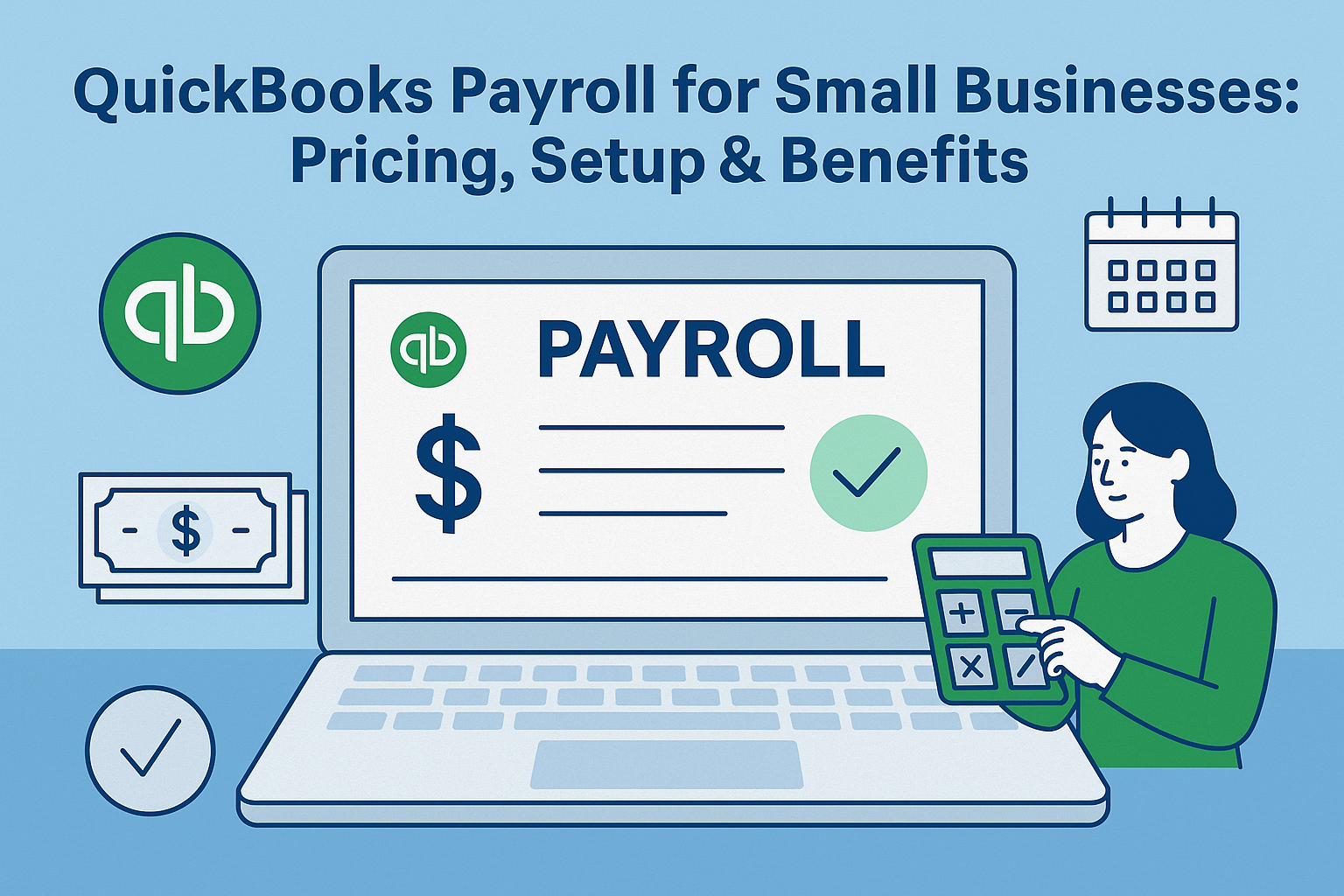
QuickBooks Payroll for Small Businesses: Pricing, Setup & Benefits

QuickBooks Payroll for Small Businesses

Managing payroll can be one of the most time-consuming tasks for small business owners. Between tracking hours, calculating taxes, and staying compliant with labor laws, it’s easy for mistakes to happen. That’s why many entrepreneurs turn to QuickBooks Payroll for small businesses — an all-in-one solution that automates paychecks, tax filings, and employee management.

With QuickBooks Payroll, you can handle everything in one place: pay employees or contractors, file taxes automatically, and ensure every detail syncs seamlessly with your accounting records. It’s built to simplify the process, save hours each month, and help you stay confident that payroll is done right.

Why Small Businesses Choose QuickBooks Payroll

When you’re running a small business, every minute counts. Managing payroll manually or through spreadsheets can lead to errors, missed tax deadlines, and unnecessary stress.

QuickBooks small business payroll helps simplify those headaches by automating the most time-consuming parts of payroll. With built-in tax filing, direct deposit, and automatic calculations, you can pay your employees correctly and on time — without needing to be a payroll expert.

Plus, since it’s integrated with QuickBooks Online, all your payroll data automatically syncs with your books. That means less data entry and fewer mistakes.

QuickBooks Payroll Pricing Overview

QuickBooks Payroll offers three main pricing tiers: Core, Premium, and Elite. Each plan builds on the previous one with more features, support, and automation.

Here’s a breakdown of what each plan includes:

1. Core Plan

  • Base Price: $45/month + $6 per employee

  • Best For: Small teams that need basic payroll and tax filing.

  • Features:

    • Full-service payroll with automatic tax calculations

    • Federal and state tax filings

    • Direct deposit (next-day)

    • Employee self-service portal

    • Access to 24/7 live support

2. Premium Plan

  • Base Price: $80/month + $8 per employee

  • Best For: Growing businesses that need HR support and faster payments.

  • Features:

    • Same-day direct deposit

    • Automated time tracking via QuickBooks Time

    • Expert review of your first payroll run

    • Access to HR support center with templates and tools

    • Workers’ compensation administration

3. Elite Plan

  • Base Price: $125/month + $10 per employee

  • Best For: Businesses that want white-glove service and full protection.

  • Features:

    • Tax penalty protection (QuickBooks pays any tax filing errors)

    • Personal HR advisor

    • Project tracking for job costing

    • Expert setup assistance

    • Priority 24/7 support

Each plan also includes automatic payroll for salaried employees and contractors once initial setup is complete.

Tip: QuickBooks frequently runs promotions, so pricing may vary depending on your subscription type or existing QuickBooks Online plan.

How to Set Up QuickBooks Payroll

Setting up QuickBooks small business payroll is simple, even if you’ve never managed payroll before.

Here’s a step-by-step guide to help you get started:

Step 1: Choose Your Plan

Determine which QuickBooks Payroll plan best suits your business’s size and complexity. If you’re just starting out, the Core plan is often enough. You can always upgrade later as your team grows.

Step 2: Add Your Business Information

Enter your business name, EIN (Employer Identification Number), and state tax details. QuickBooks uses this data to handle filings and calculate taxes accurately.

Step 3: Add Employees and Contractors

Input each employee’s name, address, pay rate, and payment schedule. For contractors, include their W-9 details and set up 1099 payments for year-end reporting.

Step 4: Connect Your Bank Account

Link your business bank account so QuickBooks can process direct deposits and payroll taxes automatically.

Step 5: Run Your First Payroll

Once everything’s set, QuickBooks guides you through your first payroll run. The system calculates wages, taxes, and deductions automatically. You can review the summary before confirming.

Step 6: Automate Payroll

You can enable automatic payroll for salaried employees, so payments and filings happen on schedule without manual input.

The entire setup typically takes under an hour — and QuickBooks offers live chat or phone support if you need help during setup.

Benefits of QuickBooks Small Business Payroll

Small businesses love QuickBooks Payroll because it’s not just convenient — it’s reliable. Here are the biggest advantages:

1. Automatic Tax Filing

QuickBooks automatically calculates, files, and pays federal and state payroll taxes for you. This eliminates one of the most common sources of business stress — tax penalties.

2. Employee Self-Service

Employees can access their pay stubs, W-2s, and tax forms online anytime. This saves time for both you and your team.

3. Direct Deposit

With same-day or next-day direct deposit, you no longer have to print or distribute checks manually.

4. Time Tracking Integration

QuickBooks Payroll integrates with QuickBooks Time, allowing employees to clock in and out digitally. Hours automatically sync to payroll for accurate wage calculations.

5. HR Tools and Compliance Support

Premium and Elite users get access to HR resources, compliance alerts, and customizable templates for onboarding, policies, and performance tracking.

6. Real-Time Reporting

See payroll costs, tax liabilities, and employee summaries in one dashboard. This helps you make better business decisions and forecast more accurately.

7. Scalability

Whether you have two employees or fifty, QuickBooks small business payroll scales easily as you grow — without needing to switch software.

How QuickBooks Payroll Helps with Compliance

Payroll errors can cost businesses thousands of dollars in penalties. QuickBooks helps prevent that by automatically keeping up with tax law changes and calculating the right deductions.

It also ensures compliance with:

  • Federal and state tax filings

  • W-2 and 1099 reporting

  • Workers’ compensation

  • Unemployment insurance contributions

If you opt for the Elite plan, QuickBooks even covers penalties if they make a tax filing mistake — a level of protection small businesses rarely get elsewhere.

Integrating QuickBooks Payroll with QuickBooks Online

The true power of QuickBooks small business payroll lies in its integration with QuickBooks Online.

Every payroll run automatically updates your books, so wages, taxes, and liabilities reflect instantly in your accounting dashboard. This eliminates duplicate entries and helps maintain accurate financial reports for tax season or business valuation purposes.

You can generate reports showing payroll expenses by department, project, or client — useful for owners tracking profitability or managing contractors.

Who Should Use QuickBooks Payroll

QuickBooks Payroll is ideal for:

  • Small business owners already using QuickBooks Online

  • Employers with both employees and contractors

  • Companies needing reliable tax compliance tools

  • Businesses that want automation without outsourcing payroll

Even if you use an accountant, QuickBooks Payroll makes collaboration easier. Your accountant can log in to view data in real time, saving hours of back-and-forth.

Common Questions About QuickBooks Payroll

Is QuickBooks Payroll suitable for small teams?
Yes. It’s designed for small businesses and can handle as few as one employee.

Do I need QuickBooks Online to use Payroll?
You can use QuickBooks Payroll as a standalone product, but it works best when integrated with QuickBooks Online for seamless bookkeeping.

Can I run payroll from my phone?
Yes. The QuickBooks mobile app allows you to process payroll, approve time, and review reports from anywhere.

What if I make a mistake on payroll?
You can easily make corrections and rerun payroll. The system automatically adjusts tax filings if necessary.

How does QuickBooks handle contractor payments?
Contractors receive 1099s automatically, and payments can be made through direct deposit just like employees.

Final Thoughts

If you’re still managing payroll manually, it’s time to simplify. QuickBooks small business payroll offers a complete solution that saves time, reduces stress, and minimizes the risk of costly errors.

It’s built for small business owners who want accuracy, compliance, and automation without hiring a full accounting department.

Whether you’re paying two employees or twenty, QuickBooks makes payroll fast, compliant, and effortless — so you can get back to running your business.

If you’re ready to streamline payroll and improve your financial visibility:
📞 Call BizProfitPro today between 9 AM and 5 PM to speak directly with an experienced business advisor, or schedule a convenient time here.
No hard sales, just honest advice — let’s take the first step together toward a smoother, more profitable operation.

QuickBooks Small Business Tutorial for Small Business Owners

QuickBooks Small Business Tutorial for Small Business Owners

Managing business finances can feel overwhelming, especially if accounting isn’t your strong suit. That’s where QuickBooks comes in. As one of the most popular accounting tools on the market, QuickBooks helps small business owners simplify bookkeeping, track expenses, run payroll, and generate reports that drive better decisions.

If you’ve been searching for a QuickBooks small business tutorial to guide you through the essentials, you’re in the right place. This step-by-step guide will show you how to get started with QuickBooks, highlight the most important features, and explain how small business owners can use it to save time and grow their business.

Why Small Business Owners Should Use QuickBooks

QuickBooks has become the go-to accounting software for millions of entrepreneurs. Here’s why:

  • User-friendly interface – You don’t need to be an accountant to use it.

  • Time savings – Automates repetitive tasks like invoicing and payment reminders.

  • Financial insights – Offers real-time reporting to help you make smarter decisions.

  • Scalability – Works for solopreneurs, startups, and growing companies.

The right use of QuickBooks can mean the difference between financial confusion and financial clarity.

Step 1: Setting Up QuickBooks

The first step in any QuickBooks small business tutorial is getting the setup right.

  1. Choose your QuickBooks plan – Options include Simple Start, Essentials, Plus, and Advanced. Pick one based on your needs (e.g., payroll, inventory tracking, or advanced reporting).

  2. Enter your business details – Company name, address, industry, and tax information.

  3. Connect your bank accounts and credit cards – This allows QuickBooks to automatically import transactions.

  4. Customize your dashboard – Tailor QuickBooks to show the financial data you need most (like cash flow, profit, or unpaid invoices).

Pro Tip: Always separate personal and business finances before connecting accounts.

Step 2: Tracking Income and Expenses

One of QuickBooks’ most powerful features is its ability to track every dollar that comes in and goes out.

  • Income: Record sales, client payments, and deposits. QuickBooks can generate and send invoices directly to your clients.

  • Expenses: Link your bank accounts so expenses are automatically logged and categorized (e.g., office supplies, marketing, utilities).

  • Receipts: Snap a photo of receipts with the QuickBooks app, and it will auto-match them to the right expense.

Keeping this updated ensures accurate financial reports and simplifies tax season.

Step 3: Invoicing Clients

Professional invoices make you look credible and ensure faster payments.

  • Create custom invoices with your logo, terms, and payment options.

  • Send invoices via email and track when clients open them.

  • Set up payment processing so clients can pay directly through the invoice.

  • Automate reminders for late payments.

With QuickBooks, invoicing goes from being a chore to a smooth, automated process.

Step 4: Managing Payroll (If Applicable)

If you have employees, payroll can quickly get complicated. QuickBooks Payroll (available as an add-on) simplifies it by:

  • Calculating wages, taxes, and deductions automatically.

  • Offering direct deposit options.

  • Filing federal and state payroll taxes for you.

  • Providing W-2s and 1099s at year-end.

This feature ensures accuracy and compliance—critical for avoiding costly errors.

Step 5: Generating Reports

QuickBooks is more than just bookkeeping software—it’s a decision-making tool.

Popular reports include:

  • Profit & Loss Statements (P&L): Shows whether your business is making money.

  • Balance Sheets: A snapshot of assets, liabilities, and equity.

  • Cash Flow Statements: Tracks the movement of money in and out.

  • Sales Reports: Helps identify your best customers and products.

Regularly reviewing these reports allows you to spot trends, plan for taxes, and make growth decisions with confidence.

Step 6: Staying Tax-Ready

Tax season can be stressful, but QuickBooks makes it easier by:

  • Automatically organizing expenses into tax-friendly categories.

  • Tracking deductible expenses like mileage and office supplies.

  • Generating tax-ready reports your accountant can use directly.

  • Integrating with TurboTax for direct filing.

No more scrambling at the last minute—QuickBooks keeps you prepared year-round.

Step 7: Using QuickBooks Online vs. Desktop

QuickBooks comes in two main versions: QuickBooks Online and QuickBooks Desktop.

  • QuickBooks Online – Cloud-based, accessible anywhere, subscription-based pricing. Great for businesses that need flexibility and mobile access.

  • QuickBooks Desktop – Installed software with a one-time fee. Offers more advanced features for certain industries but less mobile accessibility.

Most small business owners today prefer QuickBooks Online for its ease of use and flexibility.

Common Mistakes Small Business Owners Make in QuickBooks

Even with the best QuickBooks small business tutorial, mistakes can happen. Here are some to avoid:

  • Not reconciling accounts monthly.

  • Mixing personal and business expenses.

  • Forgetting to back up data (especially in Desktop).

  • Not reviewing reports regularly.

  • Failing to categorize expenses correctly.

Avoid these pitfalls to get the most out of your QuickBooks subscription.

Why Work with a QuickBooks ProAdvisor

While QuickBooks is designed for ease of use, a QuickBooks ProAdvisor (certified expert) can:

  • Help with setup and customization.

  • Train you or your team.

  • Review your financials for accuracy.

  • Provide ongoing bookkeeping and payroll services.

This is especially valuable if your business is growing and your finances are becoming more complex.

Final Thoughts: QuickBooks for Small Business Success

The best QuickBooks small business tutorial isn’t just about learning buttons and dashboards—it’s about using the software to improve efficiency, gain insights, and grow profitability.

By setting up correctly, staying consistent with income and expense tracking, leveraging invoicing and payroll, and reviewing reports regularly, you’ll turn QuickBooks into a powerful tool for success.

📞 Need help setting up or optimizing QuickBooks for your small business?
Schedule a free consultation with BizProfitPro today. Our team will help you get the most out of QuickBooks and keep your finances on track.

👉 Book Your Free Consultation Here

What Does a Fractional CFO Actually Do? A Day in the Life

What Does a Fractional CFO Actually Do? A Day in the Life

Running a business is a balancing act—you’re juggling sales, operations, staff, customers, and then there’s the finances. At some point, the numbers get complicated enough that a bookkeeper or accountant isn’t quite enough, but you’re not ready to bring on a six-figure, full-time CFO. That’s where a fractional CFO comes in.

But what does a fractional CFO actually do every day? Let’s break it down in a way that makes sense for small and mid-sized business owners who are curious about whether this kind of role is right for them.

So, What Exactly Is a Fractional CFO?

Think of a fractional CFO as a part-time or contract-based version of a Chief Financial Officer. They bring the same high-level expertise and strategic thinking as a full-time CFO, but they work with you on a flexible schedule.

Instead of paying a $200K+ salary plus benefits, you’re essentially “renting” their expertise for a set number of hours each month or for specific projects like fundraising or exit planning.

They’re not replacing your bookkeeper or CPA—they’re guiding the ship, helping you see the bigger picture, and making sure your finances actually align with where you want the business to go.

How They Usually Kick Off the Day

Most fractional CFOs start the day by checking the financial “pulse” of their clients. Depending on your business, that could mean looking at:

  • Cash flow statements—are we running lean, or do we have breathing room?

  • Profit margins—are costs eating into the bottom line?

  • Accounts receivable—who still owes us money?

  • Key performance indicators (KPIs) specific to your industry.

This isn’t just about reviewing numbers. It’s about catching small red flags before they become bigger issues. If cash flow is trending down or receivables are piling up, they’ll bring it to your attention and suggest solutions.

Midday: Getting Into the Strategy Stuff

Once the financial checkup is done, it’s time for strategy sessions. This is where a fractional CFO really earns their keep.

They might sit down with you or your leadership team to review budgets, look at forecasts, or evaluate a new opportunity. Maybe you’re considering hiring more staff, expanding locations, or adding a new product line. A CFO models the numbers so you can see how those decisions affect revenue, cash flow, and profitability six months—or two years—down the road.

This kind of big-picture financial planning gives you confidence to move forward instead of guessing.

Afternoon: Big Picture Projects That Move the Needle

The afternoons are often devoted to the big-ticket items—the things that could change the direction of your business. Some examples:

  • Fundraising prep – creating investor-ready financials and pitch decks.

  • Bank negotiations – securing a line of credit or better loan terms.

  • Exit preparation – cleaning up financials and running valuation scenarios.

  • Acquisition support – helping you buy another company and making sure the numbers make sense.

These are the kinds of things most business owners don’t have time for—or don’t have the expertise to tackle on their own. A fractional CFO steps in to carry that weight.

The Core Things They’re Always Focused On

Even though their day may shift depending on the client’s needs, there are a few core responsibilities a fractional CFO always has on their plate:

  • Cash flow management – keeping the business liquid and stable.

  • Profitability reviews – making sure margins are strong and expenses are under control.

  • Financial reporting – creating reports you can actually understand (no confusing spreadsheets).

  • Risk management – setting up systems that protect the business from financial mistakes.

  • Growth planning – ensuring the finances line up with your vision for expansion.

How They’re Different From Your Bookkeeper or Accountant

It’s easy to mix up these roles, but here’s the simplest way to think about it:

  • Bookkeeper: Records the transactions—day-to-day stuff.

  • Accountant/CPA: Focuses on taxes, compliance, and historical reporting.

  • Fractional CFO: Focuses on the future—strategy, growth, financial leadership.

Most businesses need all three at some point, but the CFO role is what connects your numbers to your long-term goals.

A Real-Life Example of the Impact They Make

Here’s a quick story. A small manufacturing company was making about $3 million in revenue but constantly felt strapped for cash. Sales were solid, but money was always tight.

A fractional CFO came in, built a 12-month cash flow forecast, and spotted two big issues: they were overstocking raw materials, and their customers were taking way too long to pay invoices. By negotiating better vendor terms and tightening payment policies, the CFO stabilized cash flow within six months.

The owner went from stressing about making payroll to having enough room to reinvest in new equipment. That’s the difference fractional CFO guidance can make.

Do You Actually Need One?

Not every business does. If your revenue is under $250K and your finances are straightforward, a bookkeeper and accountant may be enough. But here are some signs it might be time:

  • You’re growing but not sure where the money is going.

  • Cash flow feels unpredictable even with good sales.

  • You’re thinking about raising money or selling the business.

  • Financial reports don’t make sense to you.

  • You’re spending too much time worrying about numbers instead of running your business.

If you nodded “yes” to more than one of these, a fractional CFO could be worth considering.

Wrapping It Up: Why a Fractional CFO Is Worth Considering

A fractional CFO isn’t just another expense—they’re an investment in clarity and stability. Their role isn’t about drowning you in reports; it’s about giving you the insights and strategies you need to grow with confidence.

From morning cash flow reviews to afternoon strategy sessions, their job is to make sure your business has a financial roadmap that matches your goals. And the best part? You get all of that expertise without the full-time cost.

📞 Thinking about bringing in a fractional CFO? Let’s talk about how it could fit your business. Schedule a free consultation with BizProfitPro today—no pressure, just real advice tailored to your situation.

👉 Book Your Free Consultation Here

The 5 Financial Red Flags That Mean It’s Time for an Outsourced CFO

The 5 Financial Red Flags That Mean It’s Time for an Outsourced CFO

Running a business often feels like juggling dozens of responsibilities at once. From managing operations to leading your team, financial management can sometimes take a back seat. But here’s the truth: ignoring financial red flags can cost you money, growth opportunities, and even the stability of your company.

That’s where an outsourced CFO comes in. Unlike a bookkeeper or accountant, a CFO (Chief Financial Officer) looks at the bigger picture—strategy, forecasting, and ensuring long-term financial health. Outsourcing this role gives small and mid-sized businesses access to high-level expertise without the expense of hiring a full-time CFO.

So, how do you know when it’s time to bring one in? Let’s break down five financial red flags you shouldn’t ignore.

The 5 Financial Red Flags That Mean It’s Time for an Outsourced CFO

1. You Don’t Have a Clear Picture of Cash Flow

Cash flow is the lifeblood of your business. Yet many owners only look at bank balances instead of true inflows and outflows. If you’ve ever wondered why your profit looks good on paper but your cash is tight, that’s a major warning sign.

An outsourced CFO can create accurate cash flow forecasts, track spending habits, and develop strategies to keep enough liquidity on hand. They’ll also help you anticipate seasonal fluctuations or unexpected expenses so you’re never blindsided.

Real-world example: A small construction company might see strong sales but constantly struggle to cover payroll because payments from clients are delayed. An outsourced CFO can step in, build a realistic cash flow model, and implement better collection policies.

2. Your Business Is Growing, but Profits Aren’t

It’s exciting to see revenue climb, but if your bottom line isn’t keeping up, it’s time to dig deeper. This usually means expenses are scaling faster than income—or there’s a lack of financial visibility.

An outsourced CFO will analyze profit margins across products, services, and departments. They’ll identify where costs are eating away at earnings and recommend adjustments, whether that’s renegotiating vendor contracts, raising prices strategically, or streamlining operations.

Pro insight: Growth without profit is like driving with the brakes on—you’re moving, but it’s costing you more energy than it should.

3. You Don’t Have Reliable Financial Reports

Are your reports late, incomplete, or hard to understand? If you can’t get a clear snapshot of your financial health at any moment, you’re essentially running blind.

A good outsourced CFO creates standardized reporting systems with meaningful insights. They don’t just hand you spreadsheets; they interpret the numbers and connect them to business decisions.

This allows you to see:

  • Which areas of the business are most profitable

  • Where unnecessary expenses are hiding

  • How much runway you have for investments or expansion

Without timely reports, you risk making decisions based on outdated or inaccurate information.

4. You’re Unsure About Funding or Investment Decisions

Maybe you’re considering expanding into a new market, applying for a business loan, or pitching investors. These big moves require financial planning and credibility. Lenders and investors want to see detailed forecasts, clean books, and a clear growth strategy.

If you don’t have confidence in your numbers—or can’t explain them to others—that’s a red flag.

An outsourced CFO will prepare investor-ready reports, build financial models, and help you weigh the risks and rewards. They act as your financial partner in strategy, not just a numbers person in the background.

5. You’re Spending Too Much Time on Finances

As a business owner, your time is best spent on vision, leadership, and growth—not buried in QuickBooks or spreadsheets. If you find yourself spending evenings chasing invoices, analyzing budgets, or trying to make sense of your accountant’s reports, it’s a clear sign you need help.

An outsourced CFO takes the heavy lifting off your plate. They’ll handle budgeting, forecasting, compliance, and financial strategy, freeing you to focus on scaling the business.

Why Outsourced CFOs Make Sense for Small and Mid-Sized Businesses

Hiring a full-time CFO can easily cost six figures annually, which is out of reach for many companies. Outsourced CFO services provide the same high-level expertise at a fraction of the cost. Plus, you gain flexibility—you can scale services up or down based on your business needs.

Many outsourced CFOs also bring industry-specific insights from working with multiple clients. That means you’re not just paying for one expert—you’re getting access to a network of financial best practices.

When to Act on These Red Flags

If you’ve noticed one or more of these issues in your business, don’t wait until it snowballs. The earlier you bring in an outsourced CFO, the easier it is to get your financials back on track.

  • If cash flow is tight: You need immediate forecasting and collection strategies.

  • If profits aren’t growing: It’s time for margin analysis and cost control.

  • If reports are unreliable: A reporting overhaul is urgent.

  • If big financial moves are coming: You’ll need strategy and credibility.

  • If you’re burned out on finances: Free your time by delegating to an expert.

Taking the Next Step

Financial red flags are more than just warning signs—they’re opportunities to course-correct and strengthen your business. The right outsourced CFO doesn’t just solve problems; they set you up for sustainable growth.

If you’re ready to gain clarity, confidence, and control over your company’s finances, now is the time to explore outsourced CFO solutions.

Schedule a free consultation to discuss outsourced CFO services with BizProfitPro.
Book your consultation here »

Fractional CFO Cost: What You Need to Know Before Hiring

Fractional CFO Cost What You Need to Know Before Hiring

When it comes to scaling a business, financial clarity is non-negotiable. That’s why many small to mid-sized companies are turning to Fractional CFOs—high-level financial experts who work on a part-time or contract basis. But before diving in, one of the first questions business owners ask is: What does a fractional CFO cost?

The answer isn’t always straightforward. The cost of a fractional CFO can vary depending on the scope of work, hours required, and the level of expertise your business needs. Let’s break down the numbers, compare them with alternatives, and give you a clear idea of what to expect when budgeting for this strategic hire.

What Is a Fractional CFO?

A Fractional CFO is a Chief Financial Officer who works with businesses part-time, typically on a monthly retainer or hourly basis. Unlike a full-time CFO, who is a salaried executive, a fractional CFO provides financial strategy, cash flow management, forecasting, fundraising support, and growth planning—all without the six-figure salary commitment.

This model allows small and mid-sized businesses to access world-class financial expertise while keeping costs aligned with their budget.

Average Fractional CFO Cost

So, how much does a fractional CFO actually cost? Here’s a general breakdown:

  • Hourly Rate: $150 – $500 per hour

  • Monthly Retainer: $3,000 – $12,000+ depending on workload

  • Project-Based: $5,000 – $25,000 per project (such as fundraising or financial restructuring)

For comparison, a full-time CFO in the U.S. earns an average base salary of $200,000 – $400,000 per year, not including bonuses and benefits. Clearly, the fractional CFO model offers a more affordable entry point for companies that don’t yet need or can’t justify a full-time hire.

Factors That Affect Fractional CFO Cost

Several factors influence the price of hiring a fractional CFO. Understanding these variables will help you estimate where your business falls on the cost spectrum.

1. Scope of Work

If you just need someone to set up financial dashboards and oversee reporting, the cost will be lower than if you need ongoing strategic planning, investor relations, and fundraising support.

2. Experience Level

CFOs with Big Four accounting backgrounds, IPO experience, or deep industry expertise often charge higher rates. The more complex your financial situation, the more you’ll benefit from paying for top-tier expertise.

3. Business Size & Complexity

Startups with simple financial structures may only need 10–20 hours per month. Larger companies with multiple revenue streams, subsidiaries, or international operations may require 40–60 hours per month or more.

4. Location

Costs also vary by region. A fractional CFO in San Francisco or New York may cost significantly more than one based in a smaller city or working remotely.

What’s Included in the Cost of a Fractional CFO?

When you hire a fractional CFO, you’re not just paying for financial oversight—you’re investing in expertise that can transform the trajectory of your business. Typical services include:

  • Cash flow management to ensure your business always has liquidity

  • Budgeting and forecasting for smarter decision-making

  • Investor relations and pitch deck preparation

  • Debt and equity financing support

  • Financial reporting to improve transparency and accuracy

  • Growth strategy planning for scaling your company

In short, you’re paying for both day-to-day financial guidance and long-term strategic vision.

Fractional CFO Cost vs. Alternatives

To see the value more clearly, let’s compare the cost of a fractional CFO with other options:

1. Full-Time CFO

  • Cost: $200K – $400K annually (salary + benefits)

  • Best for: Large, established companies

2. Controller / Accounting Manager

3. Bookkeeper

  • Cost: $20 – $50 per hour

  • Best for: Handling transactions, payroll, and reconciliations—but not financial strategy

4. Fractional CFO

  • Cost: $3K – $12K monthly

  • Best for: Growth-stage businesses needing high-level financial guidance without the cost of a full-time hire

Clearly, fractional CFOs fill the gap between bookkeeping and full-time executive leadership.

When Does It Make Sense to Hire a Fractional CFO?

Hiring a fractional CFO isn’t just about cost—it’s about timing. Here are signs your business might benefit:

  • Revenue is growing, but profit margins aren’t keeping up

  • You’re planning to raise capital or seek investors

  • Cash flow issues are causing operational bottlenecks

  • You need financial forecasts to support expansion

  • Your leadership team lacks financial strategy experience

If these sound familiar, investing in fractional CFO services could be one of the smartest financial decisions you’ll make.

How to Budget for Fractional CFO Services

Since fractional CFO costs vary widely, here’s how to prepare your budget:

  1. Define your goals. Do you need financial modeling for investors, or ongoing strategy for scaling?

  2. Estimate hours required. Many businesses start with 15–25 hours per month.

  3. Compare packages. Some CFOs offer retainer-based pricing, others prefer hourly billing.

  4. Plan for growth. Costs may rise as your business expands and financial needs become more complex.

How to Maximize ROI on Fractional CFO Costs

To get the most out of your investment, keep these tips in mind:

  • Be clear on priorities. Outline key goals (fundraising, cash flow, M&A, etc.).

  • Use the right tools. Integrate financial software to streamline reporting and analysis.

  • Communicate often. Regular meetings ensure alignment with your leadership team.

  • Measure impact. Track ROI by looking at profitability, efficiency, and growth improvements.

The True Value of a Fractional CFO

The real value isn’t just in cost savings—it’s in the outcomes. A skilled fractional CFO can help you secure funding, avoid cash flow crises, identify growth opportunities, and ultimately increase your company’s valuation.

For many companies, the fractional CFO cost pays for itself within months by unlocking new efficiencies and growth strategies.

Conclusion: Is a Fractional CFO Worth the Cost?

If you’re a small to mid-sized business, the answer is almost always yes. A fractional CFO provides the strategic expertise of a full-time executive—without the six-figure salary. With costs ranging from $3,000 to $12,000+ per month, it’s a scalable investment that grows with your business.

Work With a Trusted Fractional CFO

At BizProfitPro, we help business owners gain financial clarity, improve cash flow, and prepare for long-term growth. Whether you need a few hours a week or ongoing strategic guidance, our team is here to support your success.

👉 Schedule a free consultation to discuss how a fractional CFO can fit your business goals: Book Here.

Fractional vs Full-Time CFO: Key Differences

Fractional CFO vs. Full-Time CFO — Which Is Right for Your Company?

If your business is growing and you’ve hit a point where financial oversight is becoming complex, hiring a CFO might seem like the next logical step. But before you post that full-time executive job listing, you should know there’s another option: a Fractional CFO.

When comparing a fractional CFO vs full-time CFO, the right choice depends on your company’s size, budget, and goals. In this guide, we’ll break down the differences, pros and cons, and how to decide which one fits your business best.

What Is a Full-Time CFO?

A full-time CFO (Chief Financial Officer) is a permanent, in-house executive responsible for overseeing the company’s entire financial strategy. They work exclusively for your organization, often as part of the leadership team.

Responsibilities

  • Managing accounting and finance teams

  • Overseeing budgeting and forecasting

  • Securing funding and managing investor relations

  • Ensuring compliance with tax laws and regulations

  • Providing long-term strategic financial planning

Advantages

  • Deep company knowledge – Fully immersed in your operations.

  • Availability – Always present for quick decision-making.

  • Team leadership – Directly manages internal finance staff.

Potential Drawbacks

  • High cost – Salaries can easily exceed six figures, plus bonuses and benefits.

  • Not always fully utilized – Smaller businesses may not have enough work to justify a full-time CFO.

  • Longer hiring process – Recruiting top talent can take months.

What Is a Fractional CFO?

A fractional CFO is a part-time, contract-based financial executive who provides CFO-level expertise without being on staff full-time. They often work with multiple companies and bring broad industry experience.

Responsibilities

  • Strategic financial planning

  • Cash flow management

  • Profitability analysis

  • Funding preparation and investor pitch support

  • Advising leadership on financial decisions

Advantages

  • Cost-effective – Pay only for the time and expertise you need.

  • Fresh perspective – Brings insights from working with other businesses.

  • Flexible – Can scale hours and involvement up or down as your needs change.

Potential Drawbacks

  • Limited availability – Not always accessible at a moment’s notice.

  • Less day-to-day involvement – May not be as deeply integrated as an in-house CFO.

Key Differences Between Fractional CFO vs. Full-Time CFO

Feature Fractional CFO Full-Time CFO
Cost Pay per hour/project Fixed salary + benefits
Commitment Flexible, part-time Full-time, permanent
Experience Often varied, across industries Deep in your company only
Scalability Easy to adjust hours Harder to scale back
Hiring Speed Quick to onboard Lengthy recruitment

When a Fractional CFO Makes Sense

A fractional CFO is ideal if:

  • Your company is small to mid-sized and growing.

  • You need strategic financial guidance but can’t afford a full-time CFO salary.

  • You want an experienced professional to prepare your business for investment, expansion, or sale.

  • You have a solid bookkeeping/accounting team but lack higher-level strategic oversight.

When a Full-Time CFO Makes Sense

A full-time CFO is the better choice if:

  • Your company is large with complex, ongoing financial operations.

  • You require immediate, daily access to financial leadership.

  • You have multiple departments, subsidiaries, or global operations.

  • You’re undergoing major transactions that require continuous oversight.

Cost Comparison: Fractional CFO vs Full-Time CFO

On average:

  • Full-Time CFO: $150,000–$300,000+ annually (including benefits and bonuses)

  • Fractional CFO: $200–$500 per hour, or $5,000–$15,000 per month depending on engagement level

For many small businesses, the fractional option delivers high-impact expertise at a fraction of the cost.

The ROI of Both Roles

Both roles can generate a strong return on investment by:

  • Identifying cost savings

  • Improving profitability

  • Securing funding

  • Avoiding costly mistakes

The key is aligning the role to your business stage and needs.

How to Decide Between Fractional and Full-Time CFO

  1. Assess Your Current Needs
    Do you need long-term strategic leadership, or short-term help with growth or restructuring?

  2. Analyze Your Budget
    Determine if you can afford a permanent executive salary, or if a part-time arrangement is more realistic.

  3. Consider Your Growth Timeline
    If you’re scaling rapidly and expect to need a full-time CFO soon, starting with a fractional CFO can be a stepping stone.

  4. Factor in Your Existing Team
    If you already have strong financial managers in-house, a fractional CFO may be enough to guide them.

Final Thoughts

When it comes to fractional CFO vs full-time CFO, there’s no one-size-fits-all answer. A fractional CFO offers flexibility and affordability, making it a great choice for growing businesses. A full-time CFO provides deeper integration and availability, ideal for larger companies with complex needs.

The right choice comes down to your budget, business stage, and long-term goals.

Schedule a free consultation to discuss whether a fractional or full-time CFO is right for your company. Book here — No hard sales, just honest advice.

Why QuickBooks Is the Best Small Business Software in 2026

Why QuickBooks Is the Best Small Business Software

Running a small business can feel like juggling 10 different jobs at once — sales, marketing, payroll, bookkeeping, tax compliance, and customer service, all before lunch. That’s why the right tools aren’t just helpful; they’re essential.

When it comes to managing finances, QuickBooks has earned its spot as the best small business software in 2026. With its user-friendly design, powerful automation, and robust reporting capabilities, it’s trusted by millions of entrepreneurs worldwide.

Here’s why QuickBooks remains the go-to solution for small business owners this year.

A Proven Leader in Small Business Accounting

QuickBooks has been a trusted name in accounting for over three decades. It has consistently adapted to new business needs and technology trends — from desktop software in the ’90s to today’s fully cloud-based, mobile-accessible platform.

In 2026, QuickBooks continues to set the standard by offering real-time data syncing, AI-driven categorization, and integrations with hundreds of business tools. Whether you’re a solo entrepreneur or running a team, it provides the accuracy and convenience you need.

Features That Make QuickBooks the Best Small Business Software

The real reason QuickBooks dominates the market? Its features aren’t just “nice to have” — they directly save business owners time, reduce stress, and improve financial clarity.

1. Professional Invoicing & Payments

Send polished, branded invoices in minutes and accept payments directly online. Automatic reminders for overdue bills help keep cash flow healthy.

2. Real-Time Expense Tracking

By linking your bank accounts and credit cards, QuickBooks automatically categorizes expenses, so you’re always audit-ready without hours of manual entry.

3. Payroll Made Simple

QuickBooks Payroll lets you pay employees and contractors, calculate deductions, and file payroll taxes automatically — all within the same platform.

4. Powerful Reporting & Insights

Customizable reports give you a clear picture of profit margins, spending patterns, and revenue trends so you can make smarter decisions.

Seamless Integrations with Popular Business Tools

One of the strongest advantages of QuickBooks is how easily it connects with the rest of your business tech stack. Whether you use Shopify for e-commerce, Square for payments, or HubSpot for CRM, QuickBooks integrates smoothly so all your data stays in sync.

This eliminates double entry, reduces errors, and makes it easier to have a complete view of your business performance.

Designed for Businesses of All Sizes

Not every small business looks the same, and QuickBooks gets that. Whether you’re a freelancer just starting out or a small manufacturing business with a growing team, you can choose a plan that matches your needs — and upgrade as you expand.

From QuickBooks Simple Start for basic bookkeeping to QuickBooks Advanced for larger operations, there’s a plan for every stage.

Accessibility From Anywhere in the World

In 2026, business owners expect to manage their finances from anywhere, and QuickBooks delivers. The cloud-based system works on desktops, tablets, and mobile devices, so you can send an invoice from the office, your couch, or even the airport.

Security is top priority, with bank-level encryption and multi-factor authentication to protect sensitive data.

Support When You Need It

QuickBooks offers extensive support options:

  • 24/7 chat and phone assistance

  • Step-by-step video tutorials

  • A vibrant online community forum

  • Certified QuickBooks ProAdvisors for advanced help

This means that even if you’re not a “numbers person,” you’re never left on your own.

How QuickBooks Compares to Other Small Business Software

Competitors like Xero, FreshBooks, and Wave each have their strengths, but QuickBooks continues to edge ahead because of its balance of features, ease of use, and scalability.

  • Xero is great for international businesses but can be less intuitive for beginners.

  • FreshBooks is ideal for service-based freelancers but lacks some advanced accounting tools.

  • Wave is free but offers far fewer integrations and reporting options.

QuickBooks offers the best of both worlds — robust enough for growing companies yet simple enough for small teams and solo owners.

New for 2026: Smarter Automation and AI

This year, QuickBooks introduced advanced AI capabilities to further streamline bookkeeping. Features like predictive cash flow forecasting, automated tax preparation suggestions, and real-time profit analysis are helping business owners make proactive decisions instead of just reacting to the numbers.

Why QuickBooks Is Worth the Investment

While QuickBooks isn’t the cheapest option on the market, its time-saving automation, accuracy, and scalability often make it the most cost-effective in the long run.

Think about it: If QuickBooks saves you 10 hours a month in bookkeeping tasks, that’s 120 hours a year — time you can spend growing your business instead.

Final Thoughts: The Best Small Business Software for 2026

If you’re looking for a solution that can handle your accounting, invoicing, payroll, reporting, and integrations all in one place, QuickBooks remains the best small business software in 2026.

It’s not just about keeping your books in order — it’s about giving you the clarity and control to grow with confidence.

Ready to streamline your business finances?

Is QuickBooks Small Business Free in 2026? Hidden Costs & Alternatives

quickbooks small business free

QuickBooks has long been one of the most trusted accounting tools for small business owners, but many entrepreneurs still ask the same question: “Is there a QuickBooks small business free version?”

The short answer? No — not in the way most people hope. While QuickBooks offers a 30-day free trial and certain limited features without charge, there’s no permanent free plan for small business accounting.

However, in 2026, there are new pricing updates, more integrations, and more competition than ever. That means small business owners have more choices — and more ways to save money — without compromising on quality.

This guide breaks down the real costs of QuickBooks, the hidden fees you need to watch for, and the best free or low-cost alternatives available today.

QuickBooks in 2026: Is It Free?

QuickBooks does not currently offer a permanent free version for small businesses. The closest you’ll get is:

  • 30-Day Free Trial – Available for all QuickBooks Online plans.

  • Limited Free Tools – Such as the QuickBooks Self-Employed mileage tracker (with limited use).

After your trial, you’ll need to choose from one of QuickBooks’ paid subscriptions.

QuickBooks Online Pricing for 2026

As of this year, QuickBooks’ U.S. pricing starts at:

  • Simple Start – $30/month

  • Essentials – $60/month

  • Plus – $90/month

  • Advanced – $200/month+

Discounts are often available for the first three months, but after that, you’ll be paying the full monthly fee.

Hidden Costs of QuickBooks for Small Businesses

Many owners budget for the subscription fee but overlook the add-on costs that can add up quickly:

  1. Payroll Services
    If you want to run payroll through QuickBooks, expect to pay an additional $45–$125/month plus per-employee fees.

  2. Payment Processing
    Accepting credit card payments through QuickBooks Payments comes with a fee of 2.87% + $0.25 per transaction.

  3. Third-Party Apps
    Popular integrations like Shopify, Expensify, or Bill.com may have their own separate subscription costs.

  4. Training & Setup
    Hiring a QuickBooks ProAdvisor for setup or troubleshooting can range from $50–$150/hour.

  5. Data Storage & Backups
    While QuickBooks includes basic storage, large file backups or exports can sometimes incur extra costs.

When QuickBooks Is Worth the Cost

Even though there’s no quickbooks small business free plan, it can still be worth the investment if you:

  • Need accurate, IRS-compliant financial reports.

  • Want to sync transactions automatically with your bank.

  • Have payroll and inventory management needs.

  • Plan to scale your business and need advanced reporting.

QuickBooks also integrates with over 650 business apps, making it a strong option for owners who want everything in one place.

Free Alternatives to QuickBooks for Small Businesses in 2026

If your budget is tight, you still have plenty of choices. Here are some of the top QuickBooks small business free alternatives available right now:

1. Wave Accounting

A completely free accounting platform with unlimited invoicing, expense tracking, and receipt scanning.

2. Zoho Books (Free Plan)

Available to businesses with annual revenue under $50,000. Includes invoicing, expense tracking, and reporting.

3. GnuCash

Open-source desktop accounting software with no subscription fees.

4. ZipBooks

Free plan offers unlimited invoicing, vendors, and basic reporting.

5. Odoo Accounting (Community Edition)

Free version of the popular ERP platform with basic accounting features.

Paid but Cheaper Alternatives

If you don’t want to commit to QuickBooks pricing, these are more affordable options:

  • FreshBooks – Easier to use for service-based businesses.

  • Xero – $15/month starter plan with unlimited users.

  • Kashoo – Simple, flat-rate accounting for small businesses.

QuickBooks vs. Free Accounting Software: What to Consider

When deciding between QuickBooks and free software, weigh the following:

Feature QuickBooks Free Alternatives
Scalability High Low–Medium
Integrations 650+ Limited
Payroll Built-in (paid) Usually separate
Automation Advanced Basic
Support 24/7 (with plan) Varies

If your business is growing quickly, QuickBooks may pay for itself in saved time and reduced errors.

How to Save Money on QuickBooks in 2026

If you like QuickBooks but want to reduce costs:

  • Use the 30-Day Free Trial strategically before tax season.

  • Sign up during promotions for up to 50% off for three months.

  • Choose annual billing for discounted rates (on some plans).

  • Skip unnecessary add-ons and only pay for what you use.

Final Thoughts

QuickBooks isn’t free for small businesses — and probably won’t be anytime soon. But in 2026, it remains one of the most robust and widely used accounting platforms for small business owners.

If you’re on a budget, start with a free trial or explore one of the many QuickBooks small business free alternatives to see if they meet your needs. Then, decide whether the extra features and integrations of QuickBooks are worth the cost.

Need Help Choosing the Right Accounting Solution?

Whether you’re deciding between QuickBooks or a free alternative, setting up payroll, or creating a bookkeeping system that scales with your business, expert guidance can save you time and money.

📅 Schedule a free consultation with our team here: Book a Call

Fractional CFO Services: CFO Help Without the Salary

fractional CFO Services

Running a business is a balancing act. You have to manage sales, operations, staffing, and finances — all while keeping an eye on the big picture. For many small and mid-sized businesses, the missing piece in their growth puzzle is strategic financial leadership. That’s usually where a Chief Financial Officer (CFO) comes in.

The problem? Hiring a full-time CFO can easily cost $150,000–$250,000 per year plus benefits. For a growing business, that’s often more than the budget allows.

Enter Fractional CFO Services — a flexible, cost-effective solution that gives you the expertise of a seasoned CFO without the full-time price tag.

What Are Fractional CFO Services?

A fractional CFO is a highly experienced financial executive who works with your business on a part-time, contract, or project basis. Instead of paying for a full-time salary, you only pay for the hours or services you need.

They bring the same strategic insight and leadership you’d expect from a traditional CFO — helping you make smarter, more profitable decisions — but without adding a massive expense to your payroll.

This model has become increasingly popular with small and mid-sized businesses that want high-level financial expertise but don’t yet have the need (or budget) for a full-time executive.

Why Businesses Choose Fractional CFO Services

Every business owner reaches a point where financial decisions become more complex. Maybe you’re scaling quickly, facing cash flow challenges, or preparing for a big move like selling your business or acquiring another.

Here are some key reasons business owners choose Fractional CFO Services:

1. Cost Efficiency

A full-time CFO’s salary can take a big bite out of your budget. Fractional CFOs provide top-tier financial leadership for a fraction of the cost, freeing up capital for other areas of growth.

2. Scalability

Your need for financial guidance isn’t always constant. A fractional CFO can scale their involvement up or down depending on your situation, whether that’s 10 hours a month or several days a week.

3. High-Level Expertise

Fractional CFOs often have decades of experience in multiple industries. This diverse background can give you fresh insights and strategies that a less experienced in-house hire might miss.

4. Objective Perspective

As an external partner, a fractional CFO can assess your financial situation without the bias that sometimes comes with internal politics. Their role is to guide your business toward profitability and sustainability — even if that means making tough calls.

What a Fractional CFO Can Do for Your Business

Fractional CFOs go far beyond bookkeeping and compliance. They serve as a strategic partner, helping you navigate financial decisions with clarity and confidence.

Here’s a look at the value they bring:

  • Strategic Financial Planning – Aligning your business goals with a clear financial roadmap.

  • Cash Flow Management – Ensuring you have the liquidity to operate and grow.

  • Profitability Improvement – Identifying cost savings and revenue opportunities.

  • Budgeting & Forecasting – Helping you plan for the future with data-driven projections.

  • Fundraising Support – Preparing your financials for investors, lenders, or buyers.

  • Mergers & Acquisitions Guidance – Providing due diligence, valuation insight, and deal structuring.

  • Debt Management – Developing repayment strategies and negotiating with lenders.

  • Team Oversight – Leading and mentoring your accounting or finance department.

When to Consider Fractional CFO Services

Not every business needs a CFO from day one. But there are clear signs that it’s time to bring in high-level financial leadership:

  • You’re growing quickly and need better financial systems.

  • You’re preparing to sell your business or make a major acquisition.

  • Cash flow is inconsistent and affecting operations.

  • You need access to capital but aren’t sure how to position your business.

  • You’re spending too much time on financial tasks instead of leading your company.

  • You want to improve profitability but don’t know where to start.

How Fractional CFO Services Pay for Themselves

Many business owners initially view hiring a fractional CFO as an extra expense. But in practice, the return on investment is often immediate and measurable.

Here’s how fractional CFOs often pay for themselves:

  • Improved cash flow means you avoid late fees, interest charges, or missed opportunities.

  • Better budgeting helps you cut unnecessary expenses.

  • More accurate financial data leads to smarter decisions that prevent costly mistakes.

  • Expert deal negotiation can increase your sale price or reduce acquisition costs.

In other words, the right fractional CFO can save or generate far more than their cost.

Real-World Example

Imagine a small manufacturing company doing $5 million in annual revenue. The owner handles financial oversight themselves, with help from a bookkeeper. Cash flow is tight, inventory management is inconsistent, and the company is losing potential contracts because they can’t clearly present their financials to potential partners.

A fractional CFO steps in for 15 hours a month, reorganizes the chart of accounts, streamlines reporting, sets up a 12-month cash flow forecast, and helps secure a $500,000 line of credit.

In less than six months, the company’s cash reserves improve, profitability increases by 8%, and they land a major new client thanks to improved financial presentation. The fractional CFO costs them $3,500 a month — but the financial gains far outweigh the investment.

Fractional CFO vs. Full-Time CFO: Which Is Right for You?

Feature Full-Time CFO Fractional CFO Services
Annual Cost $150k–$250k + benefits $2k–$10k/month
Commitment 40+ hrs/week Flexible hours
Expertise High High (often broader industry exp)
Scalability Limited Easy to scale up or down
Objective Insights Internal perspective External, unbiased perspective

How to Get Started with Fractional CFO Services

If you think your business could benefit from strategic financial leadership without the full-time cost, here’s the simple process:

  1. Assess Your Needs – Identify your financial pain points and goals.

  2. Schedule a Consultation – Discuss your business challenges with a fractional CFO provider.

  3. Set a Scope of Work – Decide how many hours or what services you need.

  4. Implement & Review – Start with a 90-day engagement, measure results, and adjust as needed.

Final Thoughts

You don’t need to hire a six-figure full-time CFO to get high-level financial strategy and oversight. With Fractional CFO Services, you get the same expertise — tailored to your business size and budget.

This approach gives you the flexibility to scale financial leadership up or down, ensures you’re making informed decisions, and frees you to focus on running and growing your business.

If you’re ready to explore how a fractional CFO can help your company grow strategically and profitably, let’s talk.

📅 Schedule a free consultation today to see how BizProfitPro’s fractional CFO services can give you the insights and support you need — without the big salary: Book a Call

Getting Started with QuickBooks Small Business Online

Getting Started with QuickBooks Small Business Online

If you’re a small business owner, keeping your finances organized is one of the most important things you can do to ensure long-term success. While spreadsheets and manual tracking might work in the early days, they quickly become time-consuming and error-prone as your business grows.

That’s where QuickBooks Online comes in. Many entrepreneurs begin by comparing different QuickBooks plans for small business to find the accounting solution that fits their needs. The right plan can help you manage bookkeeping, track expenses, generate reports, and stay tax-ready all year long.

QuickBooks Online is one of the most widely used cloud-based accounting tools available today. It provides powerful features to manage income, expenses, payroll, taxes, and financial reporting all from one central dashboard.

Whether you’re just launching your company or looking to improve your bookkeeping system, understanding the available QuickBooks plans for small business can help you make a smarter decision for your company’s financial management.

In this guide, we’ll walk you through what QuickBooks Online offers, how to set it up, and how to choose the best plan for your business.

Why QuickBooks Online Is a Game-Changer for Small Business Owners

The biggest advantage of QuickBooks Online is that it’s built specifically for small business owners. You don’t need to be an accountant to understand it, yet it’s powerful enough to grow with your company.

Here are a few reasons why so many entrepreneurs rely on it.

Cloud-based convenience

Access your financial data anytime from your computer, tablet, or smartphone. This flexibility makes it easier to stay on top of your business finances wherever you are.

Automation that saves time

QuickBooks can automatically import transactions from your bank account, categorize expenses, and update your financial records in real time.

Accurate financial reporting

You can generate professional reports such as profit and loss statements, balance sheets, and cash flow reports instantly.

Scalable features

Many business owners begin with basic QuickBooks plans for small business and upgrade later as their financial needs grow.

Tax preparation made easier

By tracking expenses and storing receipts year-round, QuickBooks helps make tax season far less stressful.

Step 1: Choose the Right QuickBooks Plans for Small Business

Before setting up your account, it’s important to understand the available QuickBooks plans for small business. Each subscription tier is designed for businesses at different stages of growth.

Some companies only need simple income tracking and invoicing, while others require advanced reporting, inventory management, or multiple user access.

The most common QuickBooks Online plans include the following.

Simple Start

This plan works well for freelancers and solo entrepreneurs.

Features include:

  • Tracking income and expenses

  • Creating and sending invoices

  • Connecting bank accounts

  • Basic financial reporting

Essentials

This plan is ideal for small teams that need more bookkeeping functionality.

Features include:

  • Everything included in Simple Start

  • Bill management and payments

  • Time tracking

  • Multiple user access

Plus

Plus is one of the most popular QuickBooks plans for small business because it offers tools that growing companies need.

Features include:

  • Inventory tracking

  • Project profitability tracking

  • Advanced reporting tools

  • Support for multiple users

Advanced

Advanced is designed for larger businesses that require deeper financial insights.

Features include:

  • Advanced analytics and reporting

  • Custom user permissions

  • Automated workflows

  • Dedicated customer support

Pro tip: If you’re unsure which option to choose, start with a lower-tier plan. You can always upgrade later as your business expands.

Step 2: Set Up Your QuickBooks Account

After choosing one of the QuickBooks plans for small business, the next step is creating your account and entering your company information.

You’ll typically need to provide the following details:

  • Business name and legal structure

  • Industry type

  • Business start date

  • Bank account connections

Connecting your bank accounts allows QuickBooks to automatically import transactions and keep your records up to date.

The entire setup process can usually be completed in under 30 minutes.

Step 3: Customize Your Dashboard

One of the most useful features of QuickBooks Online is the customizable dashboard.

Your dashboard provides a snapshot of your company’s financial health, including:

  • Total income

  • Expenses

  • Profit and loss

  • Outstanding invoices

You can also rearrange widgets so the most important financial metrics appear at the top.

Helpful customization tips include:

  • Display your most frequently used reports

  • Enable alerts for overdue invoices

  • Adjust your chart of accounts to match your business structure

Step 4: Learn the Core Features

QuickBooks Online includes dozens of tools, but most business owners regularly use the following core features.

Invoicing

Create professional invoices and send them directly to clients via email. You can also enable online payments so customers can pay immediately.

Expense Tracking

QuickBooks imports expenses from connected bank accounts and credit cards. You can categorize transactions and attach digital receipts for organized records.

Bank Reconciliation

This feature allows you to match your QuickBooks transactions with your bank statements. Regular reconciliation helps ensure your financial reports remain accurate.

Financial Reporting

Generate key financial reports such as:

  • Profit and loss statements

  • Balance sheets

  • Cash flow summaries

These reports provide valuable insight into your business performance.

Payroll Integration

Many QuickBooks plans for small business allow you to add payroll functionality, enabling you to pay employees and contractors directly through the platform.

Step 5: Use QuickBooks for Tax Preparation

One of the biggest advantages of QuickBooks Online is how much easier it makes tax preparation.

Throughout the year, the software tracks:

  • Deductible expenses

  • Business income

  • Sales tax

  • Financial reports needed for tax filing

When tax season arrives, you can quickly generate reports for your CPA or tax software.

A helpful tip is to give your accountant access to your QuickBooks account so they can review your records throughout the year instead of only at tax time.

Step 6: Explore Integrations

QuickBooks integrates with hundreds of business tools, allowing your financial data to flow automatically between systems.

Some popular integrations include:

  • PayPal

  • Stripe

  • Shopify

  • Square

  • Inventory management tools

These integrations eliminate manual data entry and keep your financial records synchronized across platforms.

Step 7: Keep Your Records Up to Date

QuickBooks works best when you maintain your records consistently.

Make it a habit to:

  • Reconcile bank accounts weekly

  • Review unpaid invoices

  • Categorize new expenses regularly

  • Monitor your financial reports

Even though QuickBooks performs automatic backups, it’s still a good idea to periodically export key reports for your records.

Why Accurate QuickBooks Records Matter When Selling a Business

Clean financial records become extremely important if you ever plan to sell your business.

Buyers rely heavily on accounting reports during due diligence to evaluate a company’s financial health. Organized books help verify revenue, expenses, and profitability.

Using the right QuickBooks plans for small business allows you to maintain consistent profit and loss statements, balance sheets, and financial history.

When your financial records are clear and accurate, the process of selling your business becomes much smoother. Buyers gain confidence in the numbers, negotiations move faster, and the likelihood of deal delays decreases significantly.

Common Mistakes to Avoid When Using QuickBooks Online

Even though QuickBooks is user-friendly, there are several common mistakes that business owners should avoid.

Mixing personal and business expenses

Always keep separate accounts for business transactions to avoid confusion and compliance issues.

Skipping reconciliations

Failing to reconcile accounts regularly can lead to inaccurate reports and missed errors.

Ignoring training resources

QuickBooks provides tutorials, webinars, and help guides that can help you maximize the software’s features.

Not setting user permissions

If multiple people have access to your account, proper permissions help protect sensitive financial data.

When to Hire a QuickBooks Professional

While many entrepreneurs manage their own bookkeeping, there may come a time when professional help becomes valuable.

A QuickBooks Certified ProAdvisor can help you:

  • Set up your account correctly

  • Customize reports for better insights

  • Identify bookkeeping errors

  • Train you or your staff on best practices

Professional guidance can ensure you get the most value out of your chosen QuickBooks plans for small business.

Final Thoughts

If you want a reliable, scalable, and easy-to-use accounting solution, QuickBooks Online is one of the best options available today.

By choosing the right QuickBooks plans for small business, you can automate bookkeeping, generate accurate reports, and gain a clearer understanding of your company’s financial health.

Whether you manage your own accounting or work with a professional, QuickBooks Online provides the tools needed to keep your finances organized and your business running smoothly.

Need Help Setting Up QuickBooks for Your Small Business?

Getting started with QuickBooks can feel overwhelming if you’ve never used accounting software before. The good news is that you don’t have to figure it out alone.

At BizProfitPro, we help small business owners set up, customize, and optimize their QuickBooks accounts so they can focus on growing their business.

📞 If you’re ready to simplify your bookkeeping and gain better financial visibility, schedule a consultation today.

Let’s help you build stronger financial systems that support long-term business growth.

How QuickBooks Small Business with Payroll Works: Features & Benefits

How QuickBooks Small Business with Payroll Works: Features & Benefits

For many entrepreneurs, payroll is one of the most time-consuming and stressful parts of running a business. From calculating wages to managing tax withholdings, there’s a lot that can go wrong — and mistakes can be costly. That’s where QuickBooks small business with payroll features come in, giving owners a simple, accurate, and efficient way to pay their teams.

Whether you have one employee or dozens, QuickBooks Payroll integrates seamlessly with QuickBooks Online, offering everything from automated pay runs to built-in tax filing. Here’s how it works — and why it’s a smart investment for small business owners.

What Is QuickBooks Payroll?

QuickBooks Payroll is an add-on service within QuickBooks Online that handles the full payroll process for your business. It’s designed to:

  • Calculate employee wages and salaries automatically

  • Withhold and pay taxes accurately

  • File payroll tax forms with federal and state agencies

  • Offer direct deposit or paper checks

  • Track benefits, paid time off, and more

By combining bookkeeping and payroll in one platform, QuickBooks saves you the hassle of juggling multiple systems.

How QuickBooks Payroll Works

Here’s what the process looks like from setup to payday:

  1. Set Up Your Payroll Profile
    Enter employee details, tax information, and pay schedules. QuickBooks guides you step-by-step, so you don’t need deep payroll expertise.

  2. Run Payroll in Minutes
    On payday, review hours worked or salaries, approve any overtime, and click to run payroll. QuickBooks automatically calculates wages, withholdings, and deductions.

  3. Pay Employees Your Way
    Choose direct deposit for speed and convenience or print checks if your team prefers.

  4. Handle Taxes Automatically
    QuickBooks calculates, files, and pays federal and state payroll taxes — so you don’t have to worry about deadlines.

Key Features of QuickBooks Payroll for Small Businesses

  • Automated Tax Filing: Eliminates manual calculations and late fees.

  • Same-Day or Next-Day Direct Deposit: Keeps employees happy with fast payments.

  • Time Tracking Integration: Syncs with QuickBooks Time for accurate wage calculations.

  • Employee Self-Service: Workers can access pay stubs and W-2s online.

  • Benefits Management: Track and manage health insurance, retirement plans, and PTO.

Benefits of Using QuickBooks Small Business with Payroll

  1. Saves Time
    Processing payroll takes minutes instead of hours, freeing you to focus on running your business.

  2. Improves Accuracy
    Built-in calculations and compliance checks reduce costly errors.

  3. Keeps You Compliant
    Automatic tax filing helps you stay up-to-date with federal, state, and local laws.

  4. Enhances Employee Satisfaction
    Fast payments, clear pay stubs, and easy benefits tracking keep your team happy.

Is QuickBooks Payroll Right for Your Small Business?

If you’re already using QuickBooks Online, adding payroll is a natural next step. It keeps your financial data in one place, reduces the risk of errors, and gives you peace of mind knowing payroll is handled correctly.

Ready to simplify payroll and keep your finances organized?
Schedule a free consultation here to see how QuickBooks small business with payroll can work for you — no hard sales, just honest advice.

Xero Accounting vs QuickBooks: Which One Is Right for You?

Xero Accounting vs QuickBooksIf you’re looking for the best accounting software to manage your small business, you might be wondering which platform will best suit your needs. The two most popular options are Xero Accounting vs QuickBooks, both of which offer a range of features designed to simplify your accounting processes. However, each comes with its unique benefits, and choosing the right one depends on your business’s specific needs. In this post, we’ll compare Xero Accounting and QuickBooks to help you decide which accounting software works best for you.

Why Is Choosing the Right Accounting Software Important?

The right accounting software is essential for streamlining your business finances. It can help you manage cash flow, track expenses, generate financial reports, and even make tax time much easier. However, not all accounting software is created equal. Some are better for small businesses, while others are designed with larger enterprises in mind. Whether you’re a freelancer, a small business owner, or managing a growing company, selecting the best tool for your business will save you time, money, and effort in the long run.

Xero Accounting vs QuickBooks: Overview

Both Xero Accounting and QuickBooks are powerful accounting solutions, but they have different strengths.

Xero Accounting Overview

Xero is a user-friendly, cloud-based accounting software designed specifically for small to medium-sized businesses. It offers a simple and intuitive interface, including features such as invoicing, payroll, bank reconciliation, and financial reporting. Xero integrates with over 800 business apps, making it highly customizable for businesses in various industries.

Key features include:

  • Cloud-based access from any device

  • Bank feed integration

  • Multi-currency support

  • Unlimited users on all pricing plans

  • Seamless integration with apps like Shopify, PayPal, and Stripe

QuickBooks Overview

QuickBooks is one of the most widely used accounting software platforms globally. It’s also cloud-based but offers a more traditional desktop version as well. QuickBooks is known for its comprehensive features, including advanced inventory management, payroll services, and advanced tax filing tools. It’s especially popular among small businesses, freelancers, and accountants due to its robust reporting and integration capabilities.

Key features include:

  • Extensive financial reports

  • Invoicing and expense tracking

  • Payroll integration (with QuickBooks Payroll)

  • Tax filing and calculations

  • Integration with thousands of apps, including payment systems

Key Differences: Xero Accounting vs QuickBooks

Pricing

  • Xero: Xero offers a tiered pricing structure based on the size of your business and the features you need. Their plans start at $12 per month, with the highest plan at $65 per month. Xero offers a free 30-day trial to test out their features.

  • QuickBooks: QuickBooks offers more pricing options, ranging from $25 to $180 per month, depending on the features and the number of users. Like Xero, QuickBooks also offers a free 30-day trial.

Ease of Use

  • Xero: Xero is designed to be user-friendly, with a clean interface and easy-to-navigate dashboards. Its simplicity makes it ideal for small business owners with little to no accounting experience.

  • QuickBooks: QuickBooks is also user-friendly, but can be overwhelming for beginners due to its broader set of features. However, it has extensive customer support resources, including tutorials and live chat, to help users get up to speed.

Features Comparison

  • Xero shines with its unlimited users across all pricing tiers, allowing small businesses to scale without worrying about additional costs as new team members join. It also provides advanced inventory management, project tracking, and job costing.

  • QuickBooks stands out with its advanced tax tools and integrations with a wide range of apps. It’s ideal for businesses that need specialized reporting, such as tracking time for contractors or managing more complex tax returns.

Multi-Currency Support

  • Xero: Xero offers multi-currency support across all pricing plans, making it an excellent choice for businesses that deal with international clients or suppliers.

  • QuickBooks: QuickBooks offers multi-currency features, but only on higher-tier plans, which might not be ideal for small businesses starting with international transactions.

Customer Support

  • Xero: Xero provides excellent customer support through online help guides, video tutorials, and live chat. However, phone support is not always available unless you subscribe to a higher-priced plan.

  • QuickBooks offers a more extensive customer support system, providing phone support, live chat, and email options. They also offer a comprehensive knowledge base, community forums, and even on-demand webinars.

Which Accounting Software is Right for You?

Choosing between Xero Accounting and QuickBooks depends on your specific business needs.

Choose Xero if:

  • You need unlimited users for a lower price.

  • You want a simple, intuitive interface for small businesses.

  • You work with international clients and need multi-currency support.

Choose QuickBooks if:

  • You need comprehensive reporting features or tax services.

  • You need payroll integration or specialized tools for managing contractors.

  • You’re working with a larger team or need industry-specific features.

Conclusion: Xero Accounting vs QuickBooks

Both Xero Accounting and QuickBooks are excellent choices for small businesses, but they cater to slightly different needs. If you prioritize simplicity and a budget-friendly solution, Xero may be the ideal choice. On the other hand, if your business requires more robust features and detailed reporting, QuickBooks is a fantastic option.

Ultimately, the right accounting software for your business depends on your budget, business needs, and growth trajectory. Whichever one you choose, be sure to take advantage of the free trials to explore both platforms and find the best fit for your business. If you don’t have time to do your own books, you may opt for a done-for-you solution. There are fractional CFO and remote accounting services that are fast, reliable, and 100% virtual. Learn more here.

How to Sell a Lawn Care Business: Step-by-Step Guide

Selling a lawn care business can be a profitable venture, but the process requires careful planning and strategy. Whether you’re ready tohow to sell a lawn care business retire, move on to new ventures, or simply exit the industry, selling your lawn care business can be a smooth and successful process with the proper guidance. In this guide, we’ll walk you through everything you need to know about selling your lawn care business for the best possible price.

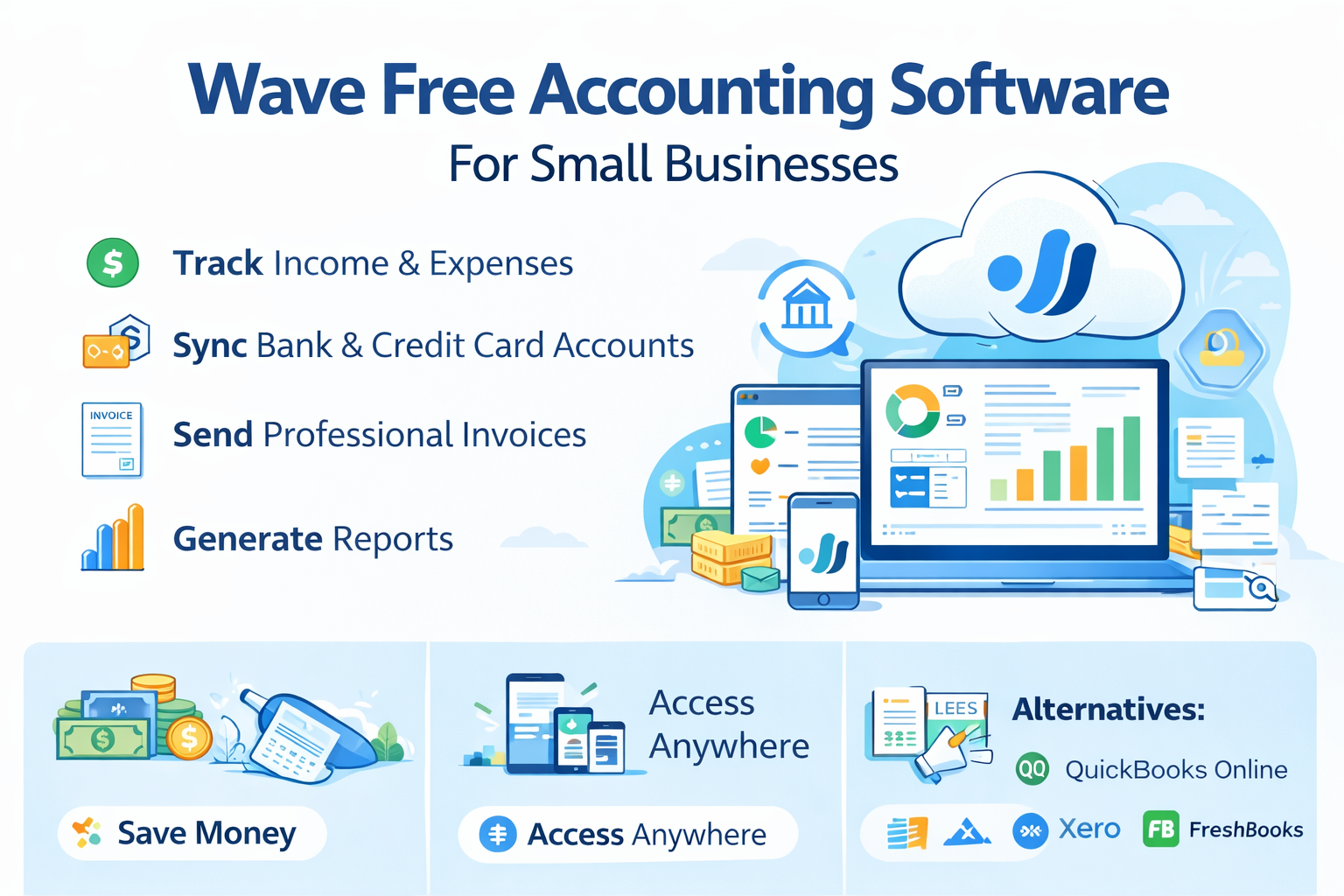
Why Sell a Lawn Care Business?

The lawn care industry is a profitable and growing sector, making it a great asset to sell when the time is right. Whether you’ve built your business from the ground up or inherited it, selling your lawn care business could be the ideal next step. Reasons to sell may include:

  • Retirement or a desire to pursue a new business opportunity.

  • The business has become too time-consuming, and you want to move on.

  • You’ve built a profitable business and are ready to cash out.

No matter your reason, the decision to sell should be approached strategically to maximize the sale value.

Steps to Selling Your Lawn Care Business

1. Prepare Your Lawn Care Business for Sale

Before putting your business on the market, it’s essential to ensure it’s ready for a smooth transition. This involves organizing financial records, streamlining operations, and making the business more attractive to potential buyers.

  • Financial Documentation: Buyers will want to see your tax returns, profit and loss statements, and balance sheets for the past few years.

  • Client Contracts: Organize all client contracts and relationships to facilitate a seamless transfer to the new owner.

  • Employee Details: If you have employees, make sure their roles, salaries, and contracts are clearly documented.

  • Equipment and Assets: Ensure that all lawn care equipment is in good condition and properly listed.

2. Determine Your Lawn Care Business’s Value

Proper valuation is key to ensuring you get the best price for your business. A good business valuation takes into account factors like:

  • Revenue and Profit: How much money the business generates and its profitability.

  • Client Base: The strength of your customer base and how easy it is to retain clients.

  • Assets and Equipment: The value of the lawn care equipment, vehicles, and any other tangible assets.

  • Market Conditions: The current market demand for lawn care services in your area.

You may want to consider hiring a professional appraiser or utilizing business valuation tools to ensure you’re pricing your business accurately.

3. Find the Right Buyer

Finding the right buyer is crucial for a successful sale. Here are some tips on where to look:

  • Industry Buyers: Look for individuals or companies within the lawn care industry who are interested in expanding their business.

  • Local Buyers: Local buyers may be interested in acquiring your lawn care business to tap into an existing customer base.

  • Existing Employees: Employees who have been with your business for an extended period may be interested in purchasing your business.

Ensure you carefully screen potential buyers to verify their financial qualifications and experience in managing a business.

4. Market Your Lawn Care Business for Sale

To attract buyers, you need to advertise your business for sale. You can list your business on business-for-sale websites, such as BizBuySell, or consider using social media platforms to get the word out. Be sure to:

  • Create a compelling listing that highlights the business’s strengths, including customer base, equipment, and growth potential.

  • Network with industry contacts to spread the word to potential buyers who may be interested in purchasing a lawn care business.

5. Negotiate the Terms of the Sale

Once you’ve found a buyer, it’s time to negotiate the terms. Key factors to negotiate include:

  • Sale Price: Ensure you receive the value you deserve for your business.

  • Payment Terms: Will the buyer pay upfront, or will there be installment payments over time?

  • Transition Period: How long will you stay on to help the new owner transition smoothly?

Having a clear, well-structured deal can ensure both parties are satisfied and prevent any confusion or disagreements later on.

6. Legal and Tax Considerations

It’s important to understand the legal and tax implications of selling your lawn care business. Consult with an attorney and a tax professional to ensure you comply with local laws and reduce any tax liabilities. You’ll need to:

  • Draft a sale agreement that covers all terms and conditions of the sale.

  • Ensure all licenses and permits for the business are properly transferred to the new owner.

  • Consider tax consequences based on how you sell the business (asset sale vs. stock sale).

Conclusion: Sell Your Lawn Care Business Successfully

Selling your lawn care business is a significant decision, and taking the proper steps can help ensure you receive the best price for your hard work. From preparing your business for sale to negotiating the right terms, following these steps will help you navigate the process successfully.

If you’re ready to sell your lawn care business, begin by obtaining an accurate valuation and seeking professional guidance to help you navigate the sale process. By being thorough and diligent, you can sell your business with confidence and ensure a smooth transition for both you and the buyer.

📞 Ready to Sell Your Business?
Call us today between 9 AM and 5 PM to speak directly with an experienced business advisor, or schedule a convenient time using this link — No hard sales, just honest advice. Let’s take the first step together with the right approach for a smooth, profitable experience.

FreshBooks vs QuickBooks for Accounting: Which One is Right for Your Business?

When it comes to accounting software, two names often come up—FreshBooks and QuickBooks. Both are highly regarded in the industry, but which one is the best fit for your business? Whether you’re a small business owner, freelancer, or growing company, choosing the right accounting software can streamline your finances and save you valuable time.

In this article, we will compare FreshBooks vs QuickBooks, highlighting their features, benefits, and pricing, to help you make an informed decision.

What Is FreshBooks?

FreshBooks is cloud-based accounting software designed for small business owners and freelancers. It’s known for its user-friendly interface, which simplifies invoicing, expense tracking, and time management.

Key Features of FreshBooks:

  • Invoicing: Create and send customized invoices quickly, and get paid faster with online payment integration.

  • Expense Tracking: Automatically import expenses and categorize them for easy tax filing.

  • Time Tracking: Keep track of billable hours with a built-in time-tracking tool.

  • Client Management: Organize clients, communication, and billing all in one place.

  • Mobile App: Manage your accounting from anywhere with the mobile app.

FreshBooks is ideal for those who need simple accounting features with a focus on invoicing and time-tracking.

What Is QuickBooks?

QuickBooks, developed by Intuit, is one of the most popular and robust accounting software solutions on the market. It’s designed for businesses of all sizes, from freelancers to large enterprises, with various plans to accommodate different needs.

Key Features of QuickBooks:

  • Comprehensive Reporting: Access detailed financial reports like profit and loss, balance sheets, and tax reports.

  • Invoicing and Payments: Create invoices, accept online payments, and track overdue invoices easily.

  • Payroll Services: Manage payroll for employees, calculate taxes, and file payroll tax forms automatically.

  • Bank Reconciliation: Link your bank accounts and credit cards for automatic transaction imports and easy reconciliation.

  • Inventory Management: Keep track of your stock and receive alerts for low inventory.

  • Mobile App: Handle your accounting on-the-go with QuickBooks’ mobile app.

QuickBooks is perfect for small to medium-sized businesses that need advanced features and customization options.

FreshBooks vs QuickBooks: The Comparison

Ease of Use

  • FreshBooks: FreshBooks is known for its simplicity and intuitive interface. Its user-friendly design makes it easy for people with no accounting background to set up and use.

  • QuickBooks: QuickBooks can be slightly more complex due to its wide range of features. While it’s a powerful tool, it may take time to learn and master all the functionalities.

Features

  • FreshBooks: Ideal for freelancers and small businesses, FreshBooks shines with features focused on invoicing, time tracking, and expense management. However, it lacks some advanced features like payroll and inventory management that QuickBooks offers.

  • QuickBooks: QuickBooks provides a more comprehensive accounting solution, with payroll, advanced reporting, inventory management, and tax preparation features. It’s more robust for growing businesses and enterprises.

Pricing

  • FreshBooks: FreshBooks offers three pricing tiers starting at $15/month. It is cost-effective for solo entrepreneurs or small businesses with limited needs.

  • QuickBooks: QuickBooks pricing starts at $25/month for the Simple Start plan, with more advanced plans for additional features. While more expensive than FreshBooks, it offers a broader range of features that justify the cost for growing businesses.

Customer Support

  • FreshBooks: FreshBooks offers excellent customer support with 24/7 live chat and email support. It also has an extensive knowledge base with helpful guides and FAQs.

  • QuickBooks: QuickBooks offers support via phone and live chat, with 24/7 assistance available for higher-tier plans. The company also provides an extensive support center and video tutorials.

Which One Should You Choose?

Choose FreshBooks if:

  • You’re a freelancer, solo entrepreneur, or small business owner who needs easy-to-use accounting software.

  • You require an intuitive, straightforward solution for invoicing and time tracking.

  • Your accounting needs are basic, and you don’t need advanced features like payroll or inventory management.

Choose QuickBooks if:

  • You’re running a growing business with complex accounting needs, such as payroll, advanced reporting, and inventory management.

  • You need more control over your finances and want to access more in-depth financial reporting and forecasting tools.

  • You’re looking for a scalable solution that can grow with your business.

Final Thoughts: FreshBooks vs QuickBooks for Your Business

Both FreshBooks vs QuickBooks are excellent accounting solutions depending on your business’s needs. FreshBooks is a simple, easy-to-use tool that’s ideal for freelancers and small businesses focused on invoicing and time tracking. On the other hand, QuickBooks offers a comprehensive suite of tools that cater to larger businesses or those with more complex accounting needs.

If you’re just starting out or running a small business, FreshBooks might be the more cost-effective and user-friendly option. However, for businesses with more employees or more complex needs, QuickBooks could be the better fit for long-term growth and scalability.

Need Help Choosing Between FreshBooks and QuickBooks?

Whether you’re just starting out or scaling up, choosing the right accounting software can make or break your financial management. Not sure which tool is right for your business? We can help.

Schedule a free consultation with a bookkeeping expert to discuss your business goals and get personalized guidance on FreshBooks vs QuickBooks.

QuickBooks Remote Accounting Specialist

For small business owners, managing finances efficiently is crucial to success. However, finding the right accountant—one who understands your needs and can provide timely, accurate financial support—can be a challenge. If you’re looking to streamline your accounting without the cost of hiring a full-time employee, working with a QuickBooks remote accounting specialist can be an ideal solution.

In this post, we’ll dive into what a remote accounting specialist does, how it can benefit your business, and how to find the right professional to manage your QuickBooks and accounting needs.

What Is a QuickBooks Remote Accounting Specialist?

A QuickBooks remote accounting specialist is a professional who helps manage your business’s finances using QuickBooks accounting software. They handle everything from bookkeeping and payroll to tax filing and financial reporting, all while working remotely. This means you get expert accounting services without the need for an in-house team.

Some of the key services a remote accounting specialist offers include:

  • Bookkeeping and Transaction Management: Ensuring that your financial records are accurate and up-to-date.

  • Financial Reporting: Providing profit and loss statements, balance sheets, and other critical financial documents.

  • Tax Filing and Planning: Ensuring that taxes are filed on time and identifying potential savings opportunities.

  • Payroll Management: Handling employee compensation, tax deductions, and other payroll-related tasks.

By choosing a QuickBooks remote accounting specialist, you get access to all of these services without the need for a full-time, on-site accounting department.

Benefits of Hiring a Remote Accounting Specialist

1. Cost Savings

Hiring a full-time, in-house accountant can be expensive, especially for small businesses. A remote accounting specialist typically works on a contract or hourly basis, meaning you only pay for the hours you need. This offers significant cost savings, especially when you don’t require a full-time employee.

2. Expertise and Experience

A QuickBooks remote accounting specialist brings expertise and experience in accounting, bookkeeping, and financial management. They are often certified QuickBooks professionals, ensuring they can handle your financials with accuracy and efficiency. With their help, you can rest assured that your business’s finances are in good hands.

3. Flexibility and Scalability

With a remote specialist, you can adjust the level of service as your business grows or your needs change. Whether you need part-time assistance or full-time support during tax season, a remote accounting specialist can provide scalable services that meet your business’s unique requirements.

4. Access to Real-Time Financial Data

Using cloud-based software like QuickBooks, you can access your financial data at any time, from anywhere. A QuickBooks remote accounting specialist helps ensure your records are continuously updated, so you have real-time access to your business’s financial health, making it easier to make timely decisions.

How to Find the Right QuickBooks Remote Accounting Specialist

Finding the right remote accounting specialist is essential to your business’s success. Here are some steps to help you find the perfect fit for your business:

1. Understand Your Needs

Before you start searching, consider what specific accounting tasks you need help with. Do you need someone to handle routine bookkeeping, or do you need someone with experience in financial reporting and tax filing? Understanding your needs will guide you in finding the right specialist.

2. Look for QuickBooks Certification

A QuickBooks remote accounting specialist should be certified by QuickBooks, which means they have received formal training and passed exams on the software. Look for a QuickBooks Online ProAdvisor certification to ensure they are well-versed in the platform and accounting best practices.

3. Check Experience and Reviews

It’s important to find someone who has experience working with businesses like yours. Look for specialists who have handled similar businesses in your industry or those with experience in small business accounting. Checking reviews and testimonials from past clients will give you a sense of their work quality.

4. Ensure Clear Communication

Since you’ll be working remotely, communication is key. Choose a specialist who is responsive and keeps you updated on your financial status. Whether it’s through email, phone, or project management tools, ensure you’re comfortable with the communication style.

5. Discuss Fees and Payment Structure

Be clear about the payment terms upfront. Some remote accounting specialists charge hourly rates, while others may charge a flat fee for certain services. Be sure to discuss the costs involved and make sure it fits within your budget.

Conclusion: Make the Right Choice for Your Business

A QuickBooks remote accounting specialist can be a game-changer for small businesses looking to streamline their financial operations. Whether you need help with bookkeeping, tax filing, payroll, or financial reporting, a remote specialist offers the flexibility, expertise, and cost savings your business needs.

When choosing a remote accounting specialist, make sure you understand your needs, check their certifications, and review their experience to ensure you’re getting the right person for the job. With the right accounting support, you’ll be able to focus on growing your business, knowing your financials are in good hands.

Next Step: Get Support Choosing the Right Accounting Setup

If you’re unsure whether to outsource your accounting or simply need a clearer system to work from, a guided review can help you understand what will work best for your business. The goal is to simplify your financial processes and give you confidence in your numbers.

Schedule your free consultation here. Together, we’ll look at your current accounting setup, identify what’s working, pinpoint what needs improvement, and outline a practical path forward using QuickBooks.

Accounting Services for Small Business Owners

For small business owners, managing finances is a crucial aspect of business success. From keeping track of revenue and expenses to filing taxes and making long-term financial plans, there’s a lot to handle. While handling the finances in-house may seem like a cost-saving option, many small business owners find that seeking professional accounting services helps them save time, reduce stress, and improve profitability.

In this blog, we’ll explore the importance of accounting services, the different types of services available, and how they can help small business owners streamline their financial processes, stay compliant, and make informed decisions.

Why Accounting Services Are Crucial for Small Business Owners

As a small business owner, your primary focus is often on growing your business and delivering quality products or services. However, managing your financials properly is just as important. Without accurate financial records and planning, your business can quickly run into problems, including cash flow issues, tax penalties, and even business closure.

Here are some key reasons why accounting services are crucial:

1. Ensures Accurate Financial Records

Having accurate, up-to-date financial records is essential for understanding your business’s financial health. Mistakes in bookkeeping can lead to errors in taxes, reporting, and forecasting, which can be costly. Professional accounting services ensure that your records are well-maintained and accurate.

2. Helps with Tax Compliance

Taxes are one of the most complicated aspects of business ownership. From income tax to payroll tax and sales tax, small business owners must stay compliant with all tax laws. Accounting services help you file your taxes accurately and on time, avoiding penalties and fines.

3. Improves Financial Decision-Making

Accounting services help you get a clear picture of your business’s financial situation. By generating financial reports like profit and loss statements, balance sheets, and cash flow statements, accountants provide valuable insights that can guide your decision-making and improve your bottom line.

4. Saves Time and Reduces Stress

Managing the finances of your business takes time, especially when you’re trying to run day-to-day operations. By outsourcing accounting tasks to professionals, you free up your time to focus on what matters most—growing your business.

Types of Accounting Services for Small Business Owners

There are several types of accounting services available to small business owners. Depending on your needs, you may require one or more of these services. Here are the most common types:

1. Bookkeeping Services

Bookkeeping is the foundation of accounting. It involves recording all of your business’s financial transactions—sales, purchases, receipts, and payments. Bookkeeping services ensure that your financial data is organized, accurate, and ready for tax season or any financial reporting.

Services include:

  • Recording income and expenses

  • Reconciling bank accounts

  • Managing accounts payable and accounts receivable

2. Tax Preparation and Filing

Filing taxes is one of the most time-consuming and stressful tasks for small business owners. Professional accounting services can help you file your taxes accurately, taking into account all potential deductions and credits to minimize your tax liability. They will also help ensure you comply with tax laws and deadlines, preventing costly penalties.

Services include:

  • Preparing business and personal tax returns

  • Providing tax planning advice to minimize liability

  • Filing payroll taxes, sales tax, and other required filings

3. Financial Reporting

Financial reports give small business owners a clear picture of how their business is performing. Accountants can help prepare financial statements such as profit and loss statements, balance sheets, and cash flow reports. These reports are invaluable for assessing business performance and making informed decisions.

Services include:

  • Monthly, quarterly, and annual financial statements

  • Profit and loss statements

  • Balance sheets and cash flow management

4. Payroll Services

Managing payroll can be a challenge for small business owners, especially as you hire more employees. Outsourcing payroll to professionals ensures that employees are paid on time and that payroll taxes are handled correctly.

Services include:

  • Calculating wages, salaries, and bonuses

  • Managing tax withholdings and deductions

  • Filing payroll tax returns and reports

5. Budgeting and Financial Planning

A well-thought-out budget is essential for managing your business’s cash flow and planning for growth. Accounting services can help small business owners create realistic budgets, set financial goals, and plan for the future. They can also assist in forecasting future revenues and expenses.

Services include:

  • Creating budgets and financial forecasts

  • Analyzing variances between actual and projected results

  • Providing financial advice to improve profitability

6. Business Consulting

In addition to basic accounting tasks, many accountants also offer business consulting services. They can provide strategic advice on various aspects of your business, including financing options, investment planning, and ways to improve profitability.

Services include:

  • Analyzing your business model and operations

  • Advising on business structure and financial decisions

  • Offering guidance on cost-cutting and profitability improvements

Benefits of Accounting Services for Small Business Owners

Investing in accounting services can have significant benefits for small business owners, including:

1. Improved Cash Flow Management

Proper accounting ensures that your cash flow is healthy. By staying on top of income and expenses, accounting services help you manage your cash flow and avoid running into financial difficulties.

2. Accurate Financial Insights

With regular financial reports, you gain a clear understanding of how your business is performing. This data helps you make informed decisions, such as when to invest, expand, or cut costs.

3. Peace of Mind

Knowing that your finances are in expert hands can give you peace of mind. You won’t have to worry about tax mistakes, financial errors, or legal compliance issues, allowing you to focus on running and growing your business.

4. Tax Savings

An accountant can help identify tax deductions and credits you might miss on your own. They can also guide you in structuring your business in a way that minimizes taxes, saving you money.

5. Time-Saving

By outsourcing accounting tasks, you free up your time to focus on other areas of your business, improving your efficiency and productivity.

Conclusion: Get the Accounting Help Your Small Business Needs

For small business owners, having access to reliable accounting services is essential for managing finances, staying compliant, and ensuring long-term success. Whether you need help with bookkeeping, tax filing, payroll, or financial planning, accounting services provide the expertise and support you need to keep your business running smoothly.

By working with a professional accountant, you save time, reduce stress, and ensure your financials are in order. Don’t wait—invest in accounting services today to set your business up for future growth.

AI Accounting Tools for Small Businesses: What to Know

AI accounting tools

If you’re running a small business, you’re probably wearing ten hats at once—owner, bookkeeper, HR, customer support, and sometimes janitor. Time is tight, and accounting often becomes one more task you tackle after hours or on weekends. It’s no surprise that AI accounting tools are getting attention. They promise to save time, reduce errors, and simplify financial management.

But not all tools deliver on that promise. Automation can be powerful, but only if it’s done with intention. Before you plug in an AI tool and expect it to handle your books, it’s worth taking a closer look at how these tools work and what your business really needs.

Here’s what to know before you automate.

What Are AI Accounting Tools?

Let’s keep it simple. AI accounting tools use smart technology to handle repetitive financial tasks. Think of it as software that can learn patterns, make suggestions, and even catch mistakes in your books.

QuickBooks and Xero are two popular examples. They’ve added features like smart expense categorization, bank feed syncing, and real-time cash flow dashboards. Some tools automatically scan and sort receipts, flag duplicate transactions, or suggest tax deductions based on your spending habits.

These tools aren’t replacing accountants, but they are helping reduce manual work. And when set up right, they can be surprisingly helpful—even for business owners who aren’t “numbers people.”

Why Small Businesses Are Turning to AI

Let’s be honest. Most small business owners don’t wake up excited to balance books. The appeal of AI is simple: less time spent crunching numbers and more time running your business.

Here are a few key reasons business owners are jumping on board:

  • Time savings: Automating tasks like bank reconciliations or invoice reminders frees up hours each week.
  • Fewer mistakes: AI tools can catch duplicate entries, flag missing receipts, and alert you to odd activity.
  • Better financial visibility: Many tools show you your cash flow in real time. That means fewer surprises and more informed decisions.
  • Sanity: Knowing your books are under control makes it easier to sleep at night—especially during tax season.

This isn’t about chasing big data or trying to scale like a tech startup. It’s about building a system that gives you peace of mind.

What to Look For Before You Choose a Tool

AI or not, the best tool is the one that fits your business. Before signing up for anything, here are a few things to consider:

  • Ease of use: You shouldn’t need a finance degree to use it. Look for tools with clean dashboards and good tutorials.
  • Integrations: Does it sync with your bank, payment processor, or ecommerce platform? The more connected it is, the smoother your workflow.
  • Customer support: If something breaks or you’re confused, you want a real person who can help.
  • Pricing: Some tools charge per feature, others per user. Know what’s included and whether the monthly fee fits your budget.
  • Security: You’re trusting this tool with sensitive financial data. Make sure it has solid encryption and data privacy standards.

Most importantly, ask yourself how this tool fits into your existing process. If you run a cash-heavy business or do a lot of manual invoicing, the needs will be different from someone selling digital products online.

Common Pitfalls to Avoid

Automation isn’t magic. It won’t fix messy books or broken processes. In fact, it can make problems worse if you’re not careful. Here are a few traps to watch out for:

  • Automating too soon: If your business is still figuring out its pricing, revenue streams, or basic operations, it might be too early for AI. Get the fundamentals in place first.
  • Blind trust: AI tools aren’t perfect. They can miscategorize expenses or overlook context. You still need to review and verify.
  • Chasing features: Just because a tool has fancy dashboards or AI forecasting doesn’t mean it’s right for you. Don’t get distracted by features you won’t use.
  • Skipping training: If your team isn’t trained on how to use the tool, it won’t help much. Budget time for onboarding.

The goal is to make your life easier, not to add more frustration. Be selective, and don’t rush the process.

Is It Time to Automate?

Not every small business is ready for AI accounting tools—and that’s okay. But if any of these sound like you, it might be time to explore your options:

  • You’re spending more than a few hours a week on bookkeeping.
  • You dread tax season every year.
  • Your cash flow is unpredictable and hard to track.
  • You’ve missed payments or invoicing deadlines due to disorganization.
  • You’re ready to grow but need better financial systems in place.

If you nodded at more than one, start by testing a basic tool that handles the essentials. Most platforms offer free trials or demo accounts, so you can get a feel before committing.

Final Takeaway

AI accounting tools can be a game-changer for small businesses—but only if you choose the right one and know what to expect. Look for tools that fit the way your business actually runs. Take time to set things up properly. And remember, automation should make your life easier, not more complicated.

You don’t have to be a tech expert to take advantage of AI. You just have to be clear on what your business needs, what you can handle, and where the tools fit into your workflow.

Start small. Stay in control. And let the tech do the heavy lifting.

Wave Free Accounting Software for Small Businesses (2026 Guide)

Managing your business finances doesn’t have to be complicated or expensive. If you’re a small business owner, freelancer, or entrepreneur, you need a reliable accounting solution that keeps everything organized – without breaking the bank. That’s where Wave Free Accounting Software for small businesses comes in.

What is Wave Free Accounting Software?

Wave Accounting is a cloud-based accounting platform built specifically for small businesses, freelancers, and solopreneurs.

With wave free accounting software, you can:

  • Track income and expenses
  • Connect unlimited bank and credit card accounts
  • Send professional invoices
  • Generate financial reports
  • Scan and store receipts

All without paying a subscription fee.

Wave is designed for non-accountants, so you don’t need financial expertise to keep your books accurate and organized.

Why Small Businesses Choose Wave Free Accounting Software

Wave isn’t just free—it’s thoughtfully designed to help small business owners stay organized, confident, and in control.

Here’s why users love Wave:

Key Features That Set Wave Apart

  • Bank-Level Security – Smart, secure protection for your financial data
  • Clear Cash Flow Visibility – Instantly see income, expenses, and profitability
  • Unlimited Bank Connections – Sync all your accounts automatically
  • Professional Invoicing – Create branded invoices in minutes
  • Automated Payment Tracking – See when clients pay (and when they don’t)
  • Multi-Currency Support – Great for remote and global businesses
  • Tax-Ready Reporting – Stay organized all year long

How Wave Free Accounting Software Helps Small Business Owners

1. Saves You Money

Most platforms charge monthly subscription fees—even for basic features. Wave free accounting software removes that cost entirely, freeing up money for marketing, tools, or business growth.

2. No Accounting Degree Required

Wave’s clean dashboard, automation, and intuitive setup make bookkeeping easy—even for beginners.

3. Access Finances from Anywhere

Because Wave is cloud-based, you can check your numbers from any device, anytime.

4. Seamless Payment Integrations

Wave integrates with PayPal and Stripe, allowing clients to pay online while keeping your records organized automatically.

How to Get Started with Wave Free Accounting Software

Getting started is simple:

  1. Create a Free Account on Wave’s website

  2. Set Up Your Business Profile

  3. Connect Your Bank Accounts for automatic syncing

  4. Start Invoicing & Tracking Expenses right away

Most small businesses are fully set up in under 30 minutes.

Common Small Business Challenges (And How Wave Solves Them)

Keeping Track of Expenses

Transactions are automatically categorized, and receipts can be uploaded directly—no shoebox required.

Late Payments

Automated reminders and online payment options help clients pay faster.

Tax Season Stress

Wave organizes financial data year-round, making tax prep faster and less stressful.

Alternatives to Wave Free Accounting Software

While Wave is an excellent choice, some businesses may need additional features. Here are a few alternatives:

  • QuickBooks Online – Ideal for businesses that need advanced accounting tools and payroll features.
  • Xero – Great for growing businesses that require extensive automation.
  • FreshBooks – Perfect for freelancers who want simple invoicing and time tracking.

What Small Business Owners Say About Wave

“Wave is a lifesaver. It’s free, simple, and has everything I need to manage my business finances.”
— Don Lam, DIY Body

“I used to spend hours on bookkeeping. Wave streamlined everything.”
— Sarah Johnson, Freelance Designer

Final Thoughts: Is Wave Right for You?

If you’re a small business owner looking for a free, reliable, and easy-to-use accounting solution, Wave free accounting software is an excellent choice.

It’s perfect for:

  • Small businesses with fewer than 100 transactions per month
  • Freelancers and service providers
  • Solopreneurs who want simple, stress-free bookkeeping
  • New businesses needing a cost-free accounting setup

Wave gives you all the essential tools to organize your finances—without the monthly subscription fee. Get started for free!

Ready to Simplify Your Small Business Finances?

Wave Free Accounting Software gives you everything you need to manage your business without the monthly subscription. Whether you’re just getting started or looking to streamline your current system, Wave offers professional features—at no cost.

Need help setting it up or deciding if Wave is the right fit for your business?
Schedule a free consultation with a bookkeeping expert and get personalized guidance:

How Remote Accounting Firms Cut Costs

As businesses continue to look for ways to reduce expenses and improve efficiency, remote accounting firms have emerged as a game-changer. These firms are able to provide high-quality accounting services at a fraction of the cost of traditional accounting models. By leveraging technology, reducing overhead, and adopting flexible work practices, remote accounting firms are changing the landscape of financial services. Let’s explore how these firms are able to cut costs and provide excellent value to their clients.

The Benefits of Remote Accounting Firms

Remote accounting firms operate with a different set of principles compared to traditional accounting firms. By eliminating physical office spaces and shifting to virtual teams, these firms pass on significant savings to their clients. Below are the key ways remote firms help reduce costs.

1. Lower Overhead Costs

Traditional accounting firms typically require a large office space, with associated costs like rent, utilities, and office maintenance. Remote accounting firms, on the other hand, don’t need to maintain a physical location, which means they save money on office expenses. Without the need for office furniture, internet infrastructure, and other operational costs, these savings can be passed on to clients in the form of lower fees.

Additionally, remote firms often don’t require the same level of office supplies or equipment, which further contributes to cost savings. Without the overhead of a brick-and-mortar location, remote accounting firms are able to operate more efficiently and at a lower cost.

2. Flexible Staffing Models

Another way remote accounting firms cut costs is by employing flexible staffing models. Many remote accounting firms hire independent contractors, part-time workers, or freelancers rather than maintaining a large in-house team. This approach allows firms to reduce expenses like health benefits, retirement plans, and office perks typically offered to full-time employees.

By operating with a leaner team, remote accounting firms can save on salaries and offer competitive pricing to their clients. This model also provides the flexibility to scale up or down as business needs change, ensuring that firms are not paying for idle resources.

3. Reduced Travel and Commuting Expenses

For traditional accounting firms, travel and commuting can add up, especially if accountants are required to visit clients in person. Remote accounting firms eliminate this cost altogether. With virtual meetings and cloud-based systems, accountants can collaborate and communicate with clients regardless of location, reducing the need for travel and eliminating associated costs like gas, transportation, and hotel stays.

Remote firms can also hire talent from across the globe, allowing them to tap into a wider talent pool without worrying about geographical limitations. This ability to hire remote professionals can lead to further cost savings, as firms can find skilled accountants in areas with lower living costs.

How Technology Plays a Key Role in Reducing Costs

The use of technology is another key factor in how remote accounting firms cut costs. The rise of cloud-based accounting software and automation tools has made it easier for accounting firms to operate remotely while maintaining high levels of accuracy and efficiency.

1. Cloud-Based Accounting Software

Cloud-based platforms like QuickBooks, Xero, and FreshBooks allow remote accounting firms to manage client data securely and access real-time financial information from anywhere. These tools eliminate the need for physical servers, reducing IT infrastructure costs and allowing for more seamless collaboration between accountants and clients.

Clients can also have direct access to their financial data, reducing the need for face-to-face meetings and making it easier for firms to deliver reports and updates quickly. This efficiency helps both clients and firms save time and money.

2. Automation of Routine Tasks

Remote accounting firms often use automation to streamline repetitive tasks like invoicing, payroll, and expense tracking. Automating these processes frees up accountants to focus on higher-level tasks such as financial analysis, tax planning, and strategic advice. By reducing the time spent on manual work, remote firms can lower labor costs and pass these savings on to clients.

How Clients Benefit from Remote Accounting Firms

For businesses, the primary benefit of working with remote accounting firms is the cost savings. These firms can provide top-notch accounting services at more affordable rates compared to traditional, office-based firms. Because remote firms typically have lower operational costs, they are able to offer competitive pricing and flexible service packages.

Clients can also benefit from the added convenience of working with remote firms. With digital tools like video conferencing, instant messaging, and file-sharing systems, clients can easily communicate with their accountants and receive timely updates. This level of accessibility helps businesses stay on top of their finances without incurring the extra costs of travel or in-person meetings.

Conclusion

Remote accounting firms have transformed the way businesses manage their finances, offering a cost-effective alternative to traditional accounting services. By eliminating overhead costs, leveraging technology, and utilizing flexible staffing models, these firms are able to deliver high-quality accounting services at a fraction of the price. For businesses looking to cut costs without sacrificing the accuracy and expertise of their accounting team, remote accounting firms provide a smart and efficient solution.

As the demand for remote work continues to grow, it’s clear that the benefits of remote accounting will continue to shape the future of the industry. Whether you’re a small business or a large corporation, remote accounting could be the key to reducing your costs while maintaining a high standard of financial management.

Cloud-Based Accounting: Streamline Your Finances Remotely

The way businesses manage their finances is rapidly evolving. Gone are the days of relying on paper records, spreadsheets, and desktop software to keep track of financial transactions. Today, cloud-based accounting is transforming how companies handle their accounting and bookkeeping, providing them with greater flexibility, real-time insights, and improved collaboration.

As businesses grow and become more complex, having access to accurate financial data at any time and from any place is no longer a luxury—it’s a necessity. With the shift to remote work, the need for tools that can easily adapt to the changing landscape of business operations is more important than ever. Cloud-based accounting is here to meet that need.

What is Cloud-Based Accounting?

Cloud-based accounting involves using online software to manage your business’s financial operations. Unlike traditional desktop accounting software, which requires installation on specific devices, cloud-based accounting platforms are hosted on remote servers. This means you can access your financial data from anywhere with an internet connection, making it possible to manage your accounting tasks on the go.

The main advantage of using cloud-based accounting software is that it’s always accessible, and all your financial data is securely stored in the cloud. Popular cloud-based accounting software options include QuickBooks Online, Xero, and FreshBooks, which offer businesses a range of features to streamline financial management.

Benefits of Cloud-Based Accounting

Cloud-based accounting comes with a wide range of benefits that can help businesses save time, reduce costs, and improve their financial management. Here are some of the key advantages:

1. Accessibility and Flexibility

The most obvious benefit of cloud-based accounting is that it allows users to access financial data from anywhere at any time. Whether you’re at home, on the go, or in a meeting with clients, you can access your accounting system using any internet-connected device. This flexibility makes it easier for remote teams to collaborate and share information in real-time.

2. Real-Time Collaboration and Data

With cloud-based accounting, all of your financial data is updated in real-time. This means that everyone with access to the system is working with the most current information, making collaboration smoother and more efficient. This real-time access is especially useful for business owners, accountants, or managers who need up-to-date financial reports at any given moment.

3. Cost-Effective

Cloud-based accounting solutions are typically more affordable than traditional accounting software. With a subscription-based pricing model, businesses only pay for what they need, and there are often no additional costs for updates or upgrades. This is a huge advantage over traditional software, which can require expensive one-time purchases and installation fees.

4. Automatic Updates and Maintenance

Cloud-based accounting systems are continuously updated by the service provider. This means your software will always be up to date with the latest features, security patches, and improvements without you having to manually install anything. This reduces downtime and ensures your accounting system is always running smoothly.

5. Enhanced Security

One of the concerns businesses often have when it comes to cloud-based accounting is security. However, most cloud-based platforms offer state-of-the-art encryption and security measures that far exceed the capabilities of traditional on-premise accounting systems. Your financial data is backed up regularly, reducing the risk of data loss or cyber threats.

Cloud-Based Accounting and Remote Work

As more businesses embrace remote work, cloud-based accounting provides a perfect solution for managing finances without the constraints of a physical office. Remote teams and distributed workforces can easily access the same financial data in real-time, eliminating the need for complex file-sharing systems or on-site infrastructure.

The ability to work from anywhere also allows business owners to stay connected to their financial data, whether they’re in the office, at a client meeting, or working from home. This flexibility not only improves efficiency but also helps businesses stay agile in today’s ever-changing landscape.

Choosing the Right Cloud-Based Accounting Software

Selecting the right cloud-based accounting software for your business requires considering several factors:

1. User-Friendliness

The software should be intuitive and easy to use, especially for those who aren’t accounting experts. Look for a platform with a simple user interface that minimizes the learning curve.

2. Comprehensive Features

Cloud-based accounting software should cover all the necessary functions for your business, such as invoicing, expense tracking, tax calculation, and financial reporting. Additionally, ensure that it integrates with other tools you use, such as payment gateways, CRMs, and payroll software.

3. Security

Data security is crucial for businesses, especially when dealing with sensitive financial information. Be sure to choose a cloud-based accounting solution with strong encryption, multi-factor authentication, and regular backups to protect your data.

4. Scalability

Your business needs may change as you grow. Choose software that can scale with your business, offering additional features and capabilities as you expand.

5. Customer Support

Even the best software can come with challenges. Look for a provider that offers reliable customer support to help with any questions or issues you might encounter.

Conclusion

In today’s fast-evolving business world, cloud-based accounting is an essential tool for companies looking to simplify their financial management. By offering real-time data, accessibility from anywhere, and cost-effective solutions, it helps businesses save time and make smarter financial decisions. Whether you have a small startup or a large corporation, switching to cloud-based accounting software can streamline your operations and set you up for long-term success.

With the ability to manage finances remotely, collaborate easily with teams, and access up-to-date reports on the go, cloud-based accounting is more than just a trend—it’s the future of financial management. Make the shift today and experience the freedom and efficiency that comes with managing your finances in the cloud.

QuickBooks Bookkeeping Services: Find the Right Expert Near You

If you’re a business owner looking to get your finances in order, investing in QuickBooks bookkeeping services can make all the difference. QuickBooks is a top choice for small businesses when it comes to accounting software, but navigating its powerful features can be tricky without the right expertise. That’s where a certified QuickBooks bookkeeper comes in.

Whether you’re managing day-to-day transactions or preparing for tax season, a certified professional ensures your financial records are accurate, organized, and optimized for success. But how do you find the right QuickBooks bookkeeping services near you? Let’s dive in.

Why You Need Professional QuickBooks Bookkeeping Services

A certified QuickBooks bookkeeper is more than just someone who knows the software—they’re a financial expert who can help you unlock its full potential. Here’s why it’s worth hiring a pro:

1. Mastery of QuickBooks Features

QuickBooks offers a wide range of tools for managing business finances, from tracking income and expenses to generating detailed reports. Certified professionals have undergone extensive training and passed exams to ensure they know how to make the most of these tools.

2. Accurate, Error-Free Records

Financial mistakes can be costly. QuickBooks bookkeeping services help ensure your records are accurate and compliant with regulations, which is essential for tax preparation and audits.

3. Time and Stress Savings

Why spend hours wrestling with bookkeeping when you can focus on growing your business? A QuickBooks bookkeeper takes this burden off your plate, saving you time and helping you avoid costly errors.

4. Ongoing Updates and Expertise

QuickBooks regularly introduces new features and updates. Certified bookkeepers stay on top of these changes, ensuring your business uses the latest tools to stay ahead.

How to Find QuickBooks Bookkeeping Services Near You

Finding the right professional doesn’t have to be overwhelming. Follow these steps to connect with the best QuickBooks bookkeeping services:

1. Search the QuickBooks ProAdvisor Directory

QuickBooks offers a directory of certified ProAdvisors, allowing you to find local experts based on your business needs. Use filters to identify bookkeepers specializing in areas like payroll, financial reporting, or tax preparation.

2. Check Reviews and Testimonials

Look for professionals with glowing reviews and proven experience. Platforms like Google Reviews, Yelp, and LinkedIn are great resources to verify their reputation and client satisfaction.

3. Ask for Recommendations

Your business network can be a valuable resource. Ask fellow entrepreneurs or local professionals if they’ve worked with a trusted QuickBooks bookkeeper. Referrals often lead to reliable connections.

4. Schedule Consultations

Interview potential candidates to assess their experience and how well they understand your specific needs. A good bookkeeper will be transparent about their process and eager to help your business succeed.

What QuickBooks Bookkeeping Services Include

When you hire a certified bookkeeper, you’re gaining a financial partner who can manage a range of responsibilities, including:

  • Bookkeeping and Data Management: Accurate recording of daily transactions, categorizing expenses, and reconciling accounts.
  • Financial Reporting: Generating detailed reports like profit and loss statements and cash flow analyses to guide business decisions.
  • Payroll Services: Ensuring employees are paid correctly and on time while staying compliant with tax laws.
  • Tax Preparation: Organizing records, preparing tax documents, and assisting with filing to ensure accuracy and compliance.

Benefits of Hiring a Local Bookkeeper

Choosing a local provider of QuickBooks bookkeeping services has its perks:

  • Personalized Service: Local professionals understand the unique financial challenges of your area.
  • Face-to-Face Interaction: In-person meetings build trust and foster clear communication.
  • Local Expertise: Familiarity with state-specific tax laws and regulations gives you an extra edge.

Need Help Finding the Right QuickBooks Bookkeeping Services?

Whether you’re overwhelmed with transactions or preparing for tax season, a certified QuickBooks bookkeeper can help you regain control of your finances—accurately and efficiently.

Schedule a free consultation to discuss your bookkeeping needs, get matched with a trusted professional, and find out how QuickBooks can work better for your business: Book Your Free Consultation

Outsourcing QuickBooks and Bookkeeping: A Smart Solution for Your Business

Managing finances is a crucial aspect of running any business, but it can be time-consuming and complex. For many companies, outsourcing QuickBooks and bookkeeping services has become an essential strategy for ensuring financial accuracy, saving time, and focusing on growth. By handing over the management of your accounting system to professionals, you gain access to expert services that streamline processes and ensure your financial records are in top shape. In this article, we will explore the benefits of outsourcing QuickBooks and bookkeeping, how it works, and why it could be the right choice for your business.

Why Outsource QuickBooks and Bookkeeping?

Outsourcing QuickBooks and bookkeeping tasks to a specialized service provider can have a significant positive impact on your business. Here’s why many companies are making the switch:

1. Cost-Effective Solution

Hiring an in-house team for accounting and bookkeeping can be expensive. Between salaries, benefits, and training, the costs can quickly add up. Outsourcing allows you to pay only for the services you need, which can be a more cost-effective solution. Plus, outsourcing services often come with scalable options, so you can adjust your package as your business grows.

For more information on pricing for small businesses, check out QuickBooks Bookkeeping Pricing for Small Business: Which Plan Is Right for You?.

2. Access to Expertise

QuickBooks and bookkeeping professionals have the skills and experience needed to ensure your financials are accurate and up-to-date. These experts are trained in the latest software updates, tax laws, and accounting best practices. When you outsource these services, you gain access to this expertise without having to invest in extensive training or additional staff.

For businesses using QuickBooks, learning how to manage finances efficiently is key. Our guide on Bookkeeping in QuickBooks Online: A Guide to Simplify Your Accounting can help you streamline your accounting tasks and make the most of the software’s features.

3. Time-Saving

Managing QuickBooks and bookkeeping tasks in-house can be a drain on your time, especially when you’re trying to focus on core business operations. Outsourcing allows you to free up valuable hours that can be better spent on strategic decision-making, client relations, or business development. With experts handling the financial side, you can stay focused on what you do best.

4. Improved Accuracy

Mistakes in your QuickBooks or bookkeeping records can lead to serious financial repercussions, including tax issues or cash flow problems. Outsourcing ensures that a team of professionals is handling your books, reducing the risk of errors. These experts use up-to-date tools and processes to guarantee accuracy and compliance with accounting standards.

How Outsourcing QuickBooks and Bookkeeping Works

Outsourcing QuickBooks and bookkeeping services typically involves working with an external team that handles your financial data and records. Here’s a breakdown of how it generally works:

1. Choosing a Service Provider

The first step is to find a reputable outsourcing provider that specializes in QuickBooks and bookkeeping. Look for a provider with experience in your industry and a proven track record of helping businesses maintain their financial health. It’s important to choose a company that understands your unique needs and can offer customized solutions.

2. Setting Up Your QuickBooks System

Once you’ve selected a provider, they will typically set up or integrate QuickBooks with your existing financial system. This may include setting up your chart of accounts, importing past financial data, and ensuring your system is optimized for your business.

3. Daily/Monthly Bookkeeping Tasks

Your outsourced team will handle routine bookkeeping tasks, such as categorizing transactions, reconciling bank statements, processing invoices, and tracking expenses. They will also provide you with regular financial reports, so you always have an up-to-date view of your business’s financial health.

4. Tax and Compliance Management

Outsourcing QuickBooks and bookkeeping often includes assistance with tax preparation and compliance. Your outsourced team will ensure that your books are in order for tax season, help you stay compliant with local tax laws, and may even provide strategic advice on how to minimize your tax burden.

Benefits of Outsourcing QuickBooks and Bookkeeping

Outsourcing QuickBooks and bookkeeping isn’t just about saving time and money—it’s also about making your business more efficient and secure. Here are a few additional benefits:

1. Scalability and Flexibility

As your business grows, your accounting needs will evolve. Outsourcing gives you the flexibility to scale your bookkeeping services as needed, whether you need more frequent reporting, additional support during tax season, or help managing more complex financial tasks. You can also adjust your package based on your budget and requirements.

2. Better Financial Insight

Outsourcing allows you to gain valuable insights into your business’s financial performance. Your outsourced QuickBooks and bookkeeping team can provide you with in-depth reports and analysis that help you make data-driven decisions. From cash flow analysis to profit and loss statements, these insights can guide your business strategy and improve profitability.

3. Enhanced Security

Handling sensitive financial data comes with risks, especially when it’s managed by a team that isn’t fully trained in data protection. Reputable outsourced QuickBooks and bookkeeping services follow stringent security protocols, ensuring your financial data is protected from unauthorized access, data breaches, and fraud.

When Is It Time to Outsource QuickBooks and Bookkeeping?

Deciding when to outsource QuickBooks and bookkeeping depends on your business’s size, financial complexity, and available resources. However, some signs that it might be time to consider outsourcing include:

  • Lack of Time: If you’re spending more time on bookkeeping than running your business, it may be time to outsource.
  • Inaccurate Financial Records: If you’re struggling to keep your QuickBooks or bookkeeping system up-to-date, outsourcing can help ensure accuracy.
  • Growth and Expansion: As your business grows, managing financials becomes more complex. Outsourcing provides the flexibility to manage this growth without the need for an in-house accounting department.
  • Need for Expertise: If you don’t have the in-house expertise to manage your finances, outsourcing gives you access to professionals who know QuickBooks inside and out.

Conclusion

Outsourcing QuickBooks and bookkeeping is a smart choice for businesses of all sizes. By leveraging the expertise of professionals, you can ensure that your financial records are accurate, up-to-date, and compliant with regulations—all while saving time and reducing costs. Whether you’re a small business looking to streamline your accounting processes or a growing company in need of scalable solutions, outsourcing can provide the support you need to maintain financial health and focus on what matters most—growing your business.

Bookkeeping in QuickBooks Online Made Simple

Bookkeeping is a crucial part of any business, regardless of size. Managing finances, tracking expenses, and keeping everything organized can be challenging, but QuickBooks Online offers a user-friendly platform that makes it simpler. This guide covers everything you need to know about bookkeeping in QuickBooks Online, from setting up accounts to automating tasks and generating reports. With these tools and tips, you’ll be able to streamline your accounting processes and keep your financial data accurate and accessible.

What Is Bookkeeping in QuickBooks Online?

Bookkeeping in QuickBooks Online involves tracking, managing, and categorizing all of your business transactions using QuickBooks’ digital platform. By organizing finances in a single location, QuickBooks helps you manage your business’s financial health, handle income and expenses, and maintain compliance with tax requirements. This system also enables small business owners to monitor cash flow, generate financial reports, and make informed decisions based on real-time data.

Why Choose QuickBooks Online for Bookkeeping?

QuickBooks Online is a powerful tool that offers a variety of features to simplify bookkeeping, from automation to easy bank integration. Using QuickBooks Online helps reduce the time and effort spent on manual bookkeeping tasks and allows you to focus more on growing your business. Here are some specific reasons why QuickBooks Online is a preferred choice:

  • Accessibility: QuickBooks Online can be accessed from any device with an internet connection, giving you the flexibility to manage finances wherever you are.
  • Automation: QuickBooks offers automated categorization of transactions, invoicing, and reminders for bills, which reduces the risk of human error.
  • Integration: The platform connects with various bank accounts, apps, and services, providing seamless data transfer.
  • Real-time updates: You get immediate access to your financial data, which helps in making data-driven decisions quickly.

Setting Up Bookkeeping in QuickBooks Online

Step 1: Getting Started with Your QuickBooks Online Account

Setting up your QuickBooks Online account is the first step in starting your bookkeeping process. Here’s how to do it:

  1. Sign up: If you haven’t already, sign up for a QuickBooks Online account and select the subscription plan that suits your business size and needs.
  2. Customize settings: QuickBooks allows you to customize settings based on your business type, preferred currency, and tax requirements. Adjust these settings for accurate data entry.
  3. Connect your bank accounts: Linking your business bank accounts to QuickBooks will allow the software to import transactions automatically, saving you from manual entries.

Step 2: Setting Up a Chart of Accounts

A crucial step in bookkeeping in QuickBooks Online is setting up your chart of accounts. This is a list of all the categories used to organize and classify transactions, such as income, expenses, assets, and liabilities.

  • Customize categories: QuickBooks provides default categories, but you can add or modify them to suit your business needs.
  • Organize: Ensure that each category is labeled correctly, as this will make it easier to generate financial reports and understand your cash flow.

A well-structured chart of accounts will make it easier to track where money is going and provide a clear overview of your financial status.

Recording Transactions in QuickBooks Online

Once your accounts are set up, you can start recording transactions. This includes income from customers, expenses from suppliers, and other financial activities.

Adding Income and Expenses

Bookkeeping in QuickBooks Online involves categorizing every transaction to maintain accuracy.

  • Income: Record incoming payments from customers, whether they’re from sales, services, or other business activities. QuickBooks allows you to create invoices and track their payment status.
  • Expenses: When adding expenses, include details such as the type of expense (e.g., office supplies, utilities) and the amount. QuickBooks helps you stay on top of regular expenses and keep track of due dates for recurring bills.

Categorizing Transactions

As transactions sync from your bank or credit card accounts, it’s essential to categorize them properly. This categorization makes tax time easier and keeps your financial reports accurate.

  1. Automate categorization: QuickBooks offers a feature to remember the categories of recurring transactions, reducing repetitive work.
  2. Review and update: Regularly review your transactions to ensure they’re categorized correctly. Mistakes in categorization can affect your financial reports and lead to potential tax issues.

Generating Financial Reports in QuickBooks Online

One of the biggest benefits of bookkeeping in QuickBooks Online is the ability to create financial reports easily. These reports provide insights into the financial health of your business, helping you make informed decisions.

Key Financial Reports

Here are a few reports you can generate in QuickBooks Online to get an overview of your business finances:

  • Profit and Loss Statement: This report shows your revenue, expenses, and profits over a specific period, giving you insight into your business’s profitability.
  • Balance Sheet: The balance sheet reflects your assets, liabilities, and equity, providing a snapshot of your business’s financial position.
  • Cash Flow Statement: This report highlights cash inflows and outflows, which is crucial for understanding your business’s liquidity and ability to cover expenses.

Customizing Reports

QuickBooks allows you to customize reports based on specific time frames, accounts, or transaction types. You can also save customized reports and schedule them to be sent to your inbox regularly, making it easy to stay updated.

Automating Bookkeeping Tasks in QuickBooks Online

Automation is one of the most useful features of QuickBooks Online. By automating repetitive tasks, you can save time and reduce the chance of errors.

Recurring Invoices and Payments

If you have clients or vendors with regular payments, you can set up recurring invoices and bills. QuickBooks will automatically send out these invoices and notify you when payments are due.

Reminders and Notifications

You can set up notifications for due dates on bills, helping you stay on top of expenses and avoid late fees. QuickBooks can also remind you of pending invoices, ensuring a consistent cash flow.

Tips for Successful Bookkeeping in QuickBooks Online

Here are some additional tips to improve your experience with bookkeeping in QuickBooks Online:

  • Regularly reconcile accounts: Ensure that your bank and credit card balances match your QuickBooks records by reconciling monthly.
  • Set aside time each week: Spend a little time each week updating transactions and categorizing expenses to prevent backlogs.
  • Review financial reports regularly: By keeping an eye on reports, you can detect any inconsistencies early and adjust as needed.

Final Thoughts

Bookkeeping in QuickBooks Online offers a streamlined, organized approach to managing your business’s financial data. From setting up accounts and recording transactions to generating reports and automating tasks, QuickBooks simplifies each step of the bookkeeping process. With regular maintenance and attention to detail, QuickBooks Online can help you stay on top of your business’s financial health, ensuring that you’re always prepared for tax season and ready to make informed financial decisions.

For small business owners, freelancers, and entrepreneurs, mastering bookkeeping in QuickBooks Online is a valuable skill that can contribute to long-term success.

Small Business Online Accounting Services You Need to Know

Small Business Online Accounting Services

Running a small business requires wearing multiple hats, from managing daily operations to building customer relationships. One crucial aspect that often gets overlooked is accounting. Keeping track of finances is essential for making informed decisions, ensuring tax compliance, and maintaining cash flow. However, handling bookkeeping manually can be time-consuming and prone to errors.

That’s where small business online accounting services come in. These cloud-based solutions offer an efficient and affordable way to manage financial records without the need for a full-time accountant. Whether you’re a freelancer, startup, or growing business, leveraging online accounting software can save you time, money, and stress.

Why Small Businesses Need Online Accounting Services

Small business owners often struggle with financial management due to limited resources and expertise. However, accurate bookkeeping is non-negotiable for business success. Here’s why online accounting services for small business are a game-changer:

1. Cost-Effective Accounting Solutions

Hiring an in-house accountant or outsourcing financial tasks can be expensive for small businesses. Online accounting software provides an affordable alternative with a range of pricing plans to fit different budgets. You get access to professional accounting tools without the overhead costs of hiring a dedicated finance team.

2. Real-Time Financial Tracking

Online accounting platforms allow small business owners to access financial data anytime, anywhere. You can track income, monitor expenses, and generate reports in real-time, ensuring complete control over your business finances.

3. Minimized Errors and Improved Accuracy

Manual bookkeeping is prone to human errors, which can lead to costly mistakes. Small business online accounting services automate calculations, reducing the risk of discrepancies in financial records. This ensures compliance and accuracy in tax reporting and financial statements.

4. Secure Cloud-Based Storage

With online accounting services for small business, sensitive financial data is stored securely in the cloud. These platforms use encryption and other security measures to protect against cyber threats, ensuring that your business information remains confidential and safe from data loss.

5. Seamless Accessibility and Integration

Whether you’re working from home, traveling, or at the office, cloud-based accounting platforms allow you to manage your finances from any device with an internet connection. Additionally, they integrate with other business tools like invoicing software, payroll systems, and tax preparation tools, making financial management more efficient.

Key Features to Look for in an Online Accounting Service

Not all accounting platforms are created equal. Here’s what to consider when choosing the best small business online accounting services:

1. User-Friendly Interface

If you’re not an accounting expert, you’ll want software that is easy to navigate. A clean and intuitive dashboard helps you track financial data without unnecessary complexity.

2. Comprehensive Features

Look for a service that offers essential features like expense tracking, invoicing, payroll management, tax filing, and financial reporting. The more comprehensive the software, the better it will support your business needs.

3. Scalability for Business Growth

Your accounting needs will evolve as your business grows. Choose a platform that offers flexible pricing plans and additional features as your company expands, so you don’t have to switch providers later.

4. Customer Support

Reliable customer support is crucial, especially when dealing with financial matters. Look for an online accounting service that provides multiple support channels like live chat, phone, and email assistance.

5. Security and Data Protection

Since accounting involves sensitive financial data, prioritize a service that implements strong security measures like encryption, multi-factor authentication, and automatic backups to prevent data breaches.

Top Online Accounting Services for Small Businesses

To help you make an informed decision, here are some of the best online accounting services for small business:

1. QuickBooks Online

One of the most widely used accounting solutions, QuickBooks Online offers expense tracking, invoicing, tax filing, and advanced reporting. It’s ideal for small businesses looking for an all-in-one financial management platform.

2. Xero

Xero is a popular choice for small businesses due to its user-friendly interface and robust features, including bank reconciliation, payroll management, and multi-currency support.

3. FreshBooks

Designed for freelancers and small business owners, FreshBooks excels in invoicing, expense tracking, and time management. It’s an excellent option for service-based businesses that need simple and effective accounting tools.

4. Wave

For startups and small businesses on a tight budget, Wave offers a free accounting software with essential features like invoicing, expense tracking, and receipt scanning. It’s an excellent choice for entrepreneurs who need basic accounting tools without monthly fees.

How to Get Started with Online Accounting Services

Switching to small business online accounting services is easy if you follow these steps:

Step 1: Identify Your Accounting Needs

Determine what features are essential for your business. Do you need payroll integration? Tax filing assistance? Expense tracking? Knowing your requirements will help you choose the right platform.

Step 2: Compare Pricing and Features

Many accounting services offer free trials. Take advantage of these to compare different platforms and see which one suits your workflow best.

Step 3: Sign Up and Set Up Your Account

Once you’ve chosen an accounting service, sign up and configure your account. Most platforms provide guided onboarding to help you set up your business details and link bank accounts.

Step 4: Automate Financial Tracking

Start logging your income and expenses. Many online accounting platforms allow you to automate transactions by syncing with your bank accounts.

Step 5: Generate Reports and Stay Compliant

Use built-in reporting tools to monitor cash flow, profits, and expenses. Regularly review your financial statements to ensure everything is in order, especially when preparing for tax season.

Final Thoughts

Managing finances doesn’t have to be stressful. With online accounting services for small business, you can streamline bookkeeping, reduce errors, and gain real-time insights into your company’s financial health. Whether you’re looking for a budget-friendly option like Wave or a feature-rich solution like QuickBooks Online, there’s an accounting service tailored to your needs.

Take the time to research and choose the best platform for your business. By leveraging the right small business online accounting services, you’ll save time, improve financial accuracy, and focus on what truly matters—growing your business.

QuickBooks Bookkeeping Pricing for Small Business

For small business owners, managing finances efficiently is key to maintaining profitability and ensuring long-term success. QuickBooks, one of the most widely used accounting software solutions, offers a range of bookkeeping services tailored to different business needs. Understanding the various QuickBooks bookkeeping pricing options is essential when choosing the right plan for your business.

In this guide, we will explore the different pricing structures available for QuickBooks bookkeeping pricing for small business, helping you make an informed decision for your small business.

QuickBooks Bookkeeping Plans and Pricing

QuickBooks offers several plans designed to meet the needs of small businesses. The pricing for each plan varies based on the features and level of service provided. Here’s a breakdown of the most popular QuickBooks plans:

Simple Start Plan: The Essential Foundation

The Simple Start Plan is designed for small businesses that need a straightforward solution without all the bells and whistles. This plan provides everything you need to manage your finances with minimal effort. At a regular price of $35 per month, you can get this plan for just $17.50 per month for the first three months, offering a 50% discount.

With the Simple Start Plan, you’ll be able to track your income and expenses, automate bookkeeping tasks, and send invoices that can be paid instantly. It also helps maximize your tax deductions and provides basic reports that offer insights into your finances. You can snap photos of receipts for easy filing, track your mileage, and keep an eye on your cash flow. The plan automatically calculates sales tax and helps you send custom estimates to clients. Additionally, it offers the ability to organize and file 1099 payments and connect one sales channel to keep your business streamlined.

This plan is perfect for small businesses just starting out or those that don’t require advanced accounting features. The low price point, especially with the first three months discounted, makes it an affordable choice for entrepreneurs seeking a basic, reliable tool.

Essentials Plan: Stepping Up Your Game

If your business is growing and you need more robust features, the Essentials Plan provides additional functionality to manage your finances with greater efficiency. Normally priced at $65 per month, you can get this plan for just $32.50 per month for the first three months—again, offering a 50% discount.

The Essentials Plan includes everything from the Simple Start Plan but with extra features to enhance your financial management. You gain access to more detailed financial reports that provide deeper insights into your business performance. The plan also allows you to track your mileage, see your cash flow in real-time, and automatically calculate sales tax. It includes the ability to send custom estimates and organize and file 1099 payments.

Additionally, you can connect up to three sales channels and streamline your bill payments, making it easier to manage different income streams and keep things organized. For businesses that sell internationally, the Essentials Plan supports multiple currencies. This plan also supports three users, which is ideal for small teams or businesses that need a little more collaboration in managing their finances.

Plus Plan: For Growing Businesses with Bigger Needs

As your business continues to grow, you might find that you need even more powerful tools to stay on top of your finances. The Plus Plan offers advanced features for businesses that need to manage inventory and track project profitability. Priced at $99 per month, this plan is available for just $49.50 per month for the first three months with a 50% discount.

In addition to everything provided in the Essentials Plan, the Plus Plan includes tools for tracking inventory and generating project reports. If you need to manage and track inventory across multiple locations, this plan has you covered. You’ll also be able to track project profitability and attach billable time to specific projects, which is great for businesses that work on a project basis.

With up to five users supported, the Plus Plan is perfect for teams that need to collaborate and manage their finances more effectively. This plan gives you the flexibility and functionality required as your business expands and your financial tracking needs become more complex.

Advanced Plan: Full Control for Larger Operations

For larger businesses or those with more intricate financial needs, the Advanced Plan offers comprehensive features that give you full control over your accounting. This plan, which is usually priced at $235 per month, is available for just $117.50 per month for the first three months with a 50% discount.

The Advanced Plan includes everything in the Plus Plan but goes even further with unlimited custom reports, syncing with Excel, and the ability to batch invoices and expenses. It allows you to give users custom permissions, automate workflows, and restore company data in case of an emergency. With 24/7 support and training, this plan is perfect for businesses that need continuous guidance.

This plan is ideal for larger operations with more complex needs, as it provides tools to track fixed assets, manage high volumes of transactions, and create more detailed financial reports. With up to 25 users supported, the Advanced Plan is perfect for teams that need advanced features and total control over their accounting processes.

Try Before You Buy: Free 30-Day Trial

One of the best things about QuickBooks is that you don’t have to commit right away. You can try any of the plans with a 30-day free trial, giving you a chance to test out the features and see if QuickBooks is the right fit for your business. This trial allows you to experience the full range of tools available in each plan without any upfront cost, giving you peace of mind before making a commitment.

For larger small businesses or those with more advanced needs, the Advanced plan is the most robust option. It includes custom reporting, enhanced support, and the ability to automate workflows and manage larger teams. With this plan, you can scale your financial management to match your business’s growing complexity.

How to Save on QuickBooks Bookkeeping Pricing

You can save significantly on QuickBooks bookkeeping pricing by opting for annual payments. By paying upfront, you’ll receive 50% off for the entire year on all plans. For instance:

  • Simple Start: $35/month → $17.50/month with 50% off for 3 months
  • Essentials: $65/month → $32.50/month with 50% off for 3 months
  • Plus: $99/month → $49.50/month with 50% off for 3 months
  • Advanced: $235/month → $117.50/month with 50% off for 3 months

This offers an excellent opportunity to reduce your bookkeeping costs while still enjoying the powerful tools QuickBooks provides. Plus, don’t forget that you can start with a 30-day free trial to test out the features before committing to a paid plan.

Conclusion

Choosing the right QuickBooks bookkeeping pricing plan is essential for small businesses to streamline their accounting processes and ensure accurate financial management. Whether you are just starting out with the Simple Start plan or need advanced features like inventory tracking and custom reporting with the Advanced plan, QuickBooks provides a variety of options to meet your business needs.

By paying annually, you can save 50% off the regular pricing, which helps reduce your overall expenses while still benefiting from QuickBooks’ comprehensive bookkeeping features. Additionally, take advantage of the 30-day free trial to test the software and see if it’s the right fit for your business.

Take the next step in simplifying your financial management with QuickBooks today!

Need Help Choosing the Right QuickBooks Plan?

Navigating QuickBooks bookkeeping pricing can be overwhelming—but you don’t have to figure it out alone. Whether you’re just starting your business or scaling operations, our team can help you assess your needs, choose the right plan, and even manage the setup for you.

Schedule a free consultation with a QuickBooks expert today and get personalized guidance for your small business bookkeeping:

Are Virtual Bookkeeping Companies Right for You?

Running a business means keeping a close eye on finances, but handling books can take up valuable time that could be spent on growth. If managing your company’s finances feels overwhelming, a virtual bookkeeping company could be the solution. Let’s explore what these services offer and whether they’re the right fit for your business.

What Are Virtual Bookkeeping Companies?

Virtual bookkeeping companies offer remote financial services tailored to businesses of all sizes. Instead of bringing in an in-house bookkeeper, you can outsource tasks like payroll, invoicing, expense tracking, and reporting to experienced professionals who work online. These companies use secure, cloud-based tools to handle bookkeeping tasks efficiently and keep your records organized.

What Do Virtual Bookkeeping Companies Offer?

Virtual bookkeeping companies specialize in providing remote financial services. These companies use secure, cloud-based tools and skilled professionals to manage your bookkeeping, all without needing an in-house team. Services generally include recording transactions, managing payroll, preparing invoices, and generating financial reports.

One of the biggest advantages of a virtual bookkeeping company is flexibility: you can customize services to meet your business’s exact needs. Whether you’re a startup looking to offload basic bookkeeping or an established business needing advanced reporting, virtual bookkeepers offer expertise on demand, giving you the freedom to focus on running your business.

Benefits of Hiring a Virtual Bookkeeping Company

Choosing a virtual bookkeeping company offers several advantages, especially if you’re looking for flexible, professional support without the commitment of a full-time hire. Here’s why many business owners are making the switch:

  1. Cost Efficiency

    • Virtual bookkeeping companies often charge only for the services you need, allowing you to manage costs more effectively. With no overhead for full-time employees, you save on salary, benefits, and training expenses.
  2. Access to Expertise

    • Virtual bookkeeping companies employ teams of certified experts skilled in the latest accounting software and up-to-date on tax laws. This means you get professional-level service from knowledgeable bookkeepers without handling hiring or training.
  3. Time Savings

    • Bookkeeping can be time-consuming, but with a virtual bookkeeping company, you can delegate these tasks and focus on your business’s core activities. These services also handle monthly reconciliations, so you have a clear picture of your finances without digging through records.
  4. Scalability for Growing Businesses

    • Virtual bookkeeping companies offer flexible packages, so as your business grows, you can easily add more services. You can scale up during peak seasons or reduce services as needed, adjusting support to match your current needs.
  5. Secure Access to Financial Data Anytime

    • Most virtual bookkeeping companies use secure, cloud-based software to manage your data, allowing you to access real-time financial information wherever you are. This flexibility helps with decision-making and makes it easier to collaborate with remote teams.

When to Consider Hiring a Virtual Bookkeeping Company

Virtual bookkeeping companies can be a smart option if:

  • You’re a small business owner looking for affordable bookkeeping support.
  • Your company’s growth requires more structured financial management.
  • You want professional, up-to-date financial expertise without the expense of hiring in-house staff.
  • You need reliable support during tax season, peak business periods, or when scaling operations.

How to Choose the Right Virtual Bookkeeping Company

If you’re ready to try virtual bookkeeping, it’s essential to pick a company that fits your business needs. Look for companies with strong reputations, transparent pricing, and experienced professionals who understand your industry. Check if they use secure software and offer customizable services so you can build a package that aligns with your financial goals.

Is a Virtual Bookkeeping Company Right for You?

Virtual bookkeeping companies can be a valuable resource for business owners who want to save time, manage costs, and keep financial records in expert hands. With flexible options and reliable service, virtual bookkeeping is a smart, scalable choice for companies looking to focus on growth. If these benefits resonate with you, partnering with a virtual bookkeeping company could be exactly what your business needs to thrive.

Remote Virtual Assistant Bookkeeping: The Smart Solution for Your Business

Efficient financial management is crucial for a business’s success. One effective way to streamline your bookkeeping and save on costs is through virtual assistant bookkeeping. This modern approach allows businesses to offload their bookkeeping tasks to a remote professional, improving accuracy and freeing time to focus on growth. In this article, we’ll explore the advantages of virtual assistant bookkeeping and how it can revolutionize the way you handle your finances.

What Is Virtual Assistant Bookkeeping?

Virtual assistant bookkeeping involves hiring a professional who works remotely to manage your company’s financial records. These specialists can handle everything from invoicing and expense tracking to bank reconciliations and financial reporting. The best part? It’s all done virtually, without the need for physical office space or the usual overhead costs of hiring in-house staff. Outsourced bookkeeping services allow businesses to focus on core operations while ensuring their financial records are professionally maintained.

Why Choose Virtual Bookkeeping Services?

1. A Cost-Effective Solution

One of the biggest benefits of virtual assistant bookkeeping is its affordability. Traditional bookkeeping setups can become expensive, considering salaries, office space, and benefits. Outsourced bookkeeping eliminates these overhead costs while providing top-notch, professional services. This is why so many small businesses are turning to virtual assistants to manage their books. If you want to dive deeper, check out The Benefits of Virtual Bookkeeping Services.

  1. Access to Industry Experts

Virtual bookkeepers are seasoned professionals who often bring years of experience in various industries. They stay up-to-date on tax laws and financial regulations, ensuring your books are compliant and accurate. With a virtual assistant, you not only get someone to manage your financial records but also an expert who can provide valuable insights into your business’s financial health—insights that could help you spot opportunities for growth or identify potential risks early on.

  1. Scalability to Match Your Growth

As your business evolves, so do your bookkeeping needs. Virtual assistant bookkeeping allows for easy scalability. Whether you’re in the middle of a busy season or need specialized services for a new project, you can quickly adjust the amount of work your virtual assistant handles. This flexibility means you can increase or decrease services based on what your business requires at any given time, without the hassle of hiring and training new staff.

  1. More Time to Focus on What Matters

When you outsource your bookkeeping tasks to a virtual assistant, you free up valuable time to focus on core business activities. Instead of spending hours on financial recordkeeping, you can dedicate more energy to strategic decision-making, customer service, or business development. By handing over bookkeeping responsibilities, you’ll find it easier to concentrate on the areas of your business that truly drive growth.

  1. Flexibility in Work Hours

Unlike traditional in-house bookkeepers, virtual assistants often work outside standard business hours. This flexibility can be a game-changer, especially if your business operates across different time zones or experiences fluctuating workloads. Your virtual assistant can keep your books updated even after your office closes, ensuring you always have the latest financial data at your fingertips.

How Virtual Assistant Bookkeeping Supports Your Financial Planning

Outsourcing your bookkeeping to a virtual assistant can also support your long-term financial planning. By providing accurate and timely financial data, your virtual assistant helps you make informed investment decisions, budgeting, and forecasting decisions. They can help identify trends and patterns in your financial data that may influence your business strategy or highlight areas for improvement.

Additionally, a virtual assistant who understands your business’s goals can work with you to develop financial strategies that align with your objectives. Whether you’re looking to expand, streamline operations, or cut unnecessary expenses, outsourced bookkeeping services can be an essential resource for achieving sustainable growth.

Remote QuickBooks Bookkeeping: Streamline Your Financial Management

If your business uses QuickBooks for accounting, a virtual assistant can help you maximize the platform’s potential. A virtual assistant specializing in QuickBooks can streamline your financial processes, from managing accounts and customizing reports to ensuring real-time updates. They’ll help you stay organized, efficient, and on top of your finances.

Here’s how a remote QuickBooks bookkeeping service can benefit your business:

  • Real-Time Updates: With a virtual assistant, your financial data is always up-to-date. Transactions are recorded in real-time, so you have a clear picture of your financial status at any given moment.
  • Customized Reports: Need specific insights for decision-making? Your virtual assistant can generate tailored financial reports highlighting the data most relevant to your business.
  • Streamlined Processes: By optimizing your QuickBooks setup, a remote bookkeeper can simplify your accounting workflows, making financial management easier and more efficient.

For more on how QuickBooks can streamline your bookkeeping, check out Remote QuickBooks Bookkeeping.

Conclusion

Virtual assistant bookkeeping is a smart, flexible, and cost-effective solution for businesses of all sizes. By outsourcing your bookkeeping tasks, you can improve financial accuracy, gain access to expert insights, and save on overhead costs. Whether you’re a small business looking to cut expenses or a growing company needing scalable bookkeeping services, virtual assistant bookkeeping offers a tailored solution to meet your needs.

So, if you’re ready to take your bookkeeping to the next level, consider hiring a virtual assistant today. With the right professional, you can focus on what truly matters—growing your business and staying competitive in today’s dynamic marketplace. Outsourced bookkeeping services can help you keep your financial house in order while you focus on driving growth and innovation.

By streamlining your bookkeeping through virtual assistants, you can ensure that your business remains financially healthy, compliant, and on track for success. Don’t let financial management become a burden; let the experts handle it while you concentrate on scaling your business.

The Benefits of Virtual Bookkeeping Services

Managing your business finances can be a daunting task, but virtual bookkeeping services make it easier than ever. These services offer a range of advantages that can help businesses of all sizes stay organized, save money, and focus on growth. Let’s dive into the key benefits of using virtual bookkeeping services and how they can enhance your operations.

Why Choose Virtual Bookkeeping?

1. Cost-Effectiveness

One of the standout benefits of virtual bookkeeping services is their cost-effectiveness. Hiring a full-time in-house bookkeeper can strain your budget, especially if you’re a small business. With virtual bookkeeping, you only pay for the services you need, which cuts down on overhead costs like salaries and benefits. Many providers offer flexible pricing plans, so you can choose what fits your budget best.

2. Access to Expertise

When you go virtual, you’re tapping into a team of experienced professionals who know their stuff. Instead of trying to manage your books alone, you can rely on experts who are well-versed in accounting software, tax regulations, and best practices. This expertise ensures your financial records are accurate and compliant, helping you make informed decisions about your business.

3. Time Savings

Let’s face it—bookkeeping can be time-consuming. If you’re not an expert in financial matters, it can feel overwhelming. By outsourcing your bookkeeping to a virtual service, you can free up valuable time to focus on what truly matters: growing your business. With a dedicated team managing your finances, you can concentrate on marketing, sales, and customer service without getting lost in paperwork.

Key Advantages of Virtual Bookkeeping Services

4. Improved Accuracy

Accuracy is crucial when it comes to bookkeeping. Mistakes can lead to issues like incorrect reporting, missed tax deadlines, and even audits. Virtual bookkeeping services utilize advanced software and trained professionals to ensure high accuracy in your records. They can quickly spot discrepancies, fix errors, and provide you with detailed financial reports to keep you on track.

5. Real-Time Financial Insights

With virtual bookkeeping, you can access real-time financial insights that are essential for making quick decisions. Many platforms offer cloud-based solutions, allowing you to view your financial data anytime and anywhere. This level of accessibility enables you to monitor your cash flow, track expenses, and review financial statements on the go. Having up-to-date information at your fingertips empowers you to respond swiftly to any financial challenges or opportunities.

6. Enhanced Security

Your financial data is sensitive, and protecting it is essential. Reputable virtual bookkeeping services use advanced encryption and secure cloud storage to safeguard your information. They follow strict security protocols, ensuring your financial records are safe from unauthorized access. By outsourcing, you can rest easy knowing your data is well-protected.

The Flexibility of Virtual Bookkeeping

7. Scalability

As your business grows, so do your bookkeeping needs. Virtual bookkeeping services are scalable, allowing you to adjust the level of service based on your requirements. Whether you need more comprehensive financial reporting or extra support during tax season, virtual bookkeepers can easily adapt to your changing needs. This flexibility makes it hassle-free for businesses to scale without the headaches of hiring or training new staff.

8. Better Compliance

Staying on top of tax laws and accounting regulations can be challenging. Fortunately, virtual bookkeeping services keep up with the latest changes and ensure your business complies with tax laws, minimizing the risk of penalties and audits. They can also help you take advantage of deductions and credits, maximizing your tax savings.

Conclusion

Virtual bookkeeping services offer numerous benefits that can significantly improve your business operations. From cost savings and expert access to real-time insights and enhanced security, these services provide valuable support that allows you to focus on what you do best—running your business. If you’re looking to streamline your financial management and drive growth, consider investing in virtual bookkeeping services. With the right partner, you can elevate your business to new heights.

Remote QuickBooks Bookkeeping: Streamline Your Financial Management

In today’s fast-paced world, keeping track of your business finances can feel overwhelming. Whether you’re a small business owner or a financial professional, you need a solution that simplifies your accounting tasks. That’s where QuickBooks bookkeeping comes in. With the rise of remote work, using QuickBooks for bookkeeping from anywhere is a game changer for managing your finances efficiently.

What is QuickBooks Bookkeeping?

At its core, QuickBooks bookkeeping is about using QuickBooks software to manage your financial records. This powerful tool helps you with invoicing, tracking expenses, handling payroll, and generating financial reports. The best part? It’s accessible from anywhere! So whether you’re at home, at a coffee shop, or traveling, your financial information is just a few clicks away.

Why Choose Remote QuickBooks Bookkeeping?

1. Flexibility at Your Fingertips

One of the best things about remote QuickBooks bookkeeping is the flexibility it offers. You don’t have to be tied to your office to manage your finances. With cloud-based QuickBooks, you can access your data anytime, anywhere, using any device. This means you can keep an eye on your finances while you’re on the go or even during a vacation!

2. Cost-Effective Solution

Hiring a full-time bookkeeper can be expensive, especially for small businesses. By opting for remote QuickBooks bookkeeping, you can save money. Many bookkeeping services offer flexible pricing models, allowing you to pay only for the services you actually need. This way, you get professional help without the high costs associated with a full-time employee.

3. Accuracy You Can Trust

QuickBooks bookkeeping helps reduce human error by automating many tasks. It can categorize expenses, generate reports, and reconcile accounts quickly and accurately. When you have a remote bookkeeping professional on your team, you can trust that your financial data is in good hands, leaving you to focus on other important aspects of your business.

4. Collaboration Made Easy

When you work with a remote bookkeeping team, everyone can access your financial information in real-time. This makes collaboration much easier. You can quickly share insights with your team, discuss financial strategies, and stay aligned on your financial goals. Plus, remote bookkeeping allows for better communication, ensuring everyone is on the same page.

5. Scalability for Growth

As your business grows, your bookkeeping needs will change. Remote QuickBooks bookkeeping services can scale alongside you. Whether you’re adding new team members, expanding your product line, or entering new markets, your bookkeeping solution can adapt to meet your evolving requirements.

Tips for Effective Remote QuickBooks Bookkeeping

1. Create Clear Processes

To get the most out of your remote bookkeeping setup, establish clear processes for tasks like invoicing, expense tracking, and account reconciliation. This clarity will help your bookkeeping team know what to do and when to do it, making your financial management smoother.

2. Maximize QuickBooks Features

QuickBooks is packed with features designed to streamline your bookkeeping. Take advantage of tools like recurring billing, automated expense categorization, and insightful financial reports. The more you leverage these features, the easier your bookkeeping will be.

3. Communicate Regularly

Stay in touch with your remote bookkeeping team. Schedule regular check-ins to discuss any updates, questions, or concerns. This communication helps prevent misunderstandings and ensures that everyone is aligned on your financial strategy.

4. Invest in Training

Make sure your bookkeeping team is well-trained in QuickBooks. Investing in training resources will enhance their skills and ensure they stay up-to-date with the latest features and best practices. A knowledgeable team can manage your finances more effectively.

Conclusion

Incorporating remote QuickBooks bookkeeping into your business strategy is a smart move for anyone looking to streamline their financial management. With its flexibility, cost-effectiveness, and accuracy, QuickBooks bookkeeping can transform how you manage your finances.

Don’t let bookkeeping stress you out. Embrace the convenience of remote QuickBooks bookkeeping and take control of your financial future. With the right tools and practices in place, you can focus on growing your business and achieving your goals.

Online Accounting Services for Small Companies

As small businesses continuously seek efficient ways to manage their operations and reduce costs, online accounting services have emerged as a game-changer. This innovative approach not only simplifies financial management but also provides small companies with the tools and expertise needed to thrive in a competitive market. Let’s explore the rise of these services and their numerous benefits.

The Rise of Online Accounting Services

Gone are the days when accounting required endless paperwork, physical meetings, and tedious data entry. With the advent of cloud-based technology, online accounting services have transformed the industry. Small businesses can now manage their finances with ease, accessing financial data anytime and anywhere while collaborating with accountants in real time. This shift has been driven by the increasing need for businesses to adapt to technological advancements, offering them greater flexibility and control over their financial operations.

Why Online Accounting Matters for Small Businesses

For small business owners, managing finances can be a daunting task. From tracking expenses to preparing for tax season, the complexities can often become overwhelming. Online accounting services provide a streamlined solution, allowing business owners to focus on their core activities without getting bogged down by financial details. By automating key accounting tasks, businesses can reduce the risk of errors and ensure compliance with tax regulations, ultimately enhancing their financial health.

Benefits of Online Accounting Services

1. Cost-Effective Solutions

Small businesses often operate on tight budgets, making cost-effective solutions essential. Online accounting services typically offer various pricing plans, allowing companies to choose the level of service that fits their needs. By outsourcing accounting tasks, businesses can save on overhead costs, including hiring full-time staff and maintaining office space. This affordability enables small companies to allocate resources to other areas of growth, enhancing overall business sustainability.

2. Expertise at Your Fingertips

Many online accounting services are staffed by experienced professionals who specialize in small business finance. This access to expertise means businesses can benefit from strategic financial advice, tax planning, and compliance support. With professionals on your side, you can ensure that your financial records are accurate and up-to-date, empowering you to make informed decisions that drive growth.

3. Time Savings

Time is a precious commodity for small business owners. Online accounting services automate repetitive tasks such as invoicing, expense tracking, and payroll processing. This automation not only saves time but also reduces the administrative burden on business owners. By streamlining these processes, online accounting services allow entrepreneurs to focus on what they do best—growing their business—while leaving financial management to the experts.

4. Real-Time Financial Insights

With online accounting services, businesses gain access to real-time financial data and analytics. This transparency enables owners to make informed decisions quickly, allowing for proactive adjustments to budgets, cash flow management, and investment strategies. Real-time insights mean that small companies can seize opportunities and mitigate risks more effectively, ensuring that they remain competitive in their respective markets.

5. Scalability

As small businesses grow, their accounting needs become more complex. Online accounting services are designed to scale with your business, offering additional features and support as needed. Whether it’s managing inventory, handling multiple revenue streams, or preparing for audits, these services can adapt to meet your evolving needs. This scalability ensures that as your business expands, your financial management system grows with it.

6. Enhanced Security

Security is a significant concern for small businesses handling sensitive financial information. Reputable online accounting services use advanced encryption and security protocols to protect your data from unauthorized access. This level of security often exceeds what a small business could achieve on its own, providing peace of mind for business owners. With secure systems in place, businesses can focus on their operations without worrying about potential data breaches.

Choosing the Right Online Accounting Service

When selecting an online accounting service for your small company, consider the following factors:

  • Reputation and Reviews: Research the service’s reputation in the market. Look for customer reviews and testimonials to gauge the quality of their services.
  • Features and Functionality: Ensure the service offers the features your business needs, such as invoicing, payroll, and tax preparation. Look for user-friendly interfaces and customizable options that fit your unique requirements.
  • Customer Support: A reliable customer support system is crucial. Choose a service that offers timely assistance through multiple channels, including phone, email, and live chat. Good customer support can be invaluable, especially during tax season or when facing financial challenges.
  • Pricing Structure: Compare pricing plans to find a service that fits your budget without sacrificing essential features. Be wary of hidden fees or long-term contracts that may strain your financial resources.

Transforming How Companies Manage Finances

Online accounting services are transforming how small companies manage their finances. By embracing this innovative approach, businesses can streamline operations, reduce costs, and gain access to expert financial advice—all while saving valuable time. Investing in online accounting services is a strategic move that can set your small business on the path to success. Explore the options available today and take control of your financial future!

Remote Accounting Services for Small Businesses

In the world of small business, time and resources are often stretched thin. As an owner, you juggle countless tasks, and managing finances can feel like one more heavy weight on your shoulders. Enter remote accounting services—a game-changing solution designed to simplify your financial management and help your business thrive.

What Are Remote Accounting Services?

At its core, remote accounting services allow you to outsource your accounting needs to a team of professionals who work from anywhere—often leveraging cloud technology to stay connected with you. This means you can enjoy expert financial support without the burden of hiring full-time staff. Whether you need help with bookkeeping, payroll, or tax preparation, remote accounting services offer flexibility that traditional accounting methods just can’t match.

Why Opt for Remote Accounting Services?

1. Cost-Effective Solutions

Let’s face it: hiring an in-house accountant can be expensive. Not only do you have to cover their salary, but you also need to think about benefits, office space, and equipment. Remote accounting services provide a more budget-friendly alternative. You only pay for the services you need, which allows you to allocate your resources more efficiently.

Imagine redirecting those savings into marketing, product development, or hiring more staff. That’s the kind of financial flexibility that can make a big difference in your business growth.

2. Expertise at Your Fingertips

When it comes to financial management, having access to expertise is invaluable. Remote accounting services bring a wealth of knowledge to your business, ensuring that you’re not just compliant with current tax laws but also making the best financial decisions for your future. These professionals are constantly updated on industry trends and regulations, so you don’t have to be.

Think of them as your personal finance team—always ready to provide insights that can help you navigate the complexities of business finance.

3. Save Time for What Matters

As a small business owner, your time is your most precious resource. Balancing financial management with your daily operations can be a juggling act that leads to burnout. By outsourcing your accounting tasks, you free up valuable hours in your day.

Imagine focusing on growing your business, connecting with customers, or refining your product—things that truly matter. Remote accounting services handle the nitty-gritty, allowing you to shift your focus where it belongs.

4. Scalability to Match Your Growth

Every small business has its own growth trajectory. Whether you’re in a period of rapid expansion or steady stability, your accounting needs will evolve. Remote accounting services are incredibly scalable, meaning they can adjust to fit your changing requirements seamlessly.

As your business grows, you can easily enhance the services you receive without the headache of onboarding new staff or reworking your processes. This flexibility means your accounting support can keep pace with your ambitions.

Services Offered

So, what exactly can remote accounting services do for you? Here are some key offerings:

  • Bookkeeping: Keeping your daily transactions organized and accurate, so you always know where you stand financially.
  • Payroll Management: Handling employee salaries, taxes, and benefits, ensuring you comply with employment laws and keeping your team happy.
  • Tax Preparation: Navigating the complexities of tax season with expertise, ensuring you maximize your deductions and minimize liabilities.
  • Financial Reporting: Providing regular financial statements that offer insights into your business’s performance, empowering you to make informed decisions.

Getting Started with Remote Accounting Services

Ready to take the plunge? Embracing remote accounting services can significantly transform your business landscape. Start by researching reputable firms that align with your needs. Don’t hesitate to schedule consultations to discuss your specific requirements and gauge their expertise.

The right partner will not only manage your finances but also contribute to your overall strategy, helping you achieve your long-term goals.

Conclusion

In a world where every minute counts, remote accounting services offer a lifeline for small businesses looking to operate more efficiently. By outsourcing your accounting tasks, you can save money, gain access to expert knowledge, and free up your time for what truly matters.

Don’t let the complexities of financial management hold you back. Embrace remote accounting services, and watch your business thrive!

Pros and Cons Of Outsourcing Payroll Services

Outsourcing payroll services is almost always a good choice for any small business. Managing payroll in-house can be a significantOutsourcing payroll services administrative burden for most companies, especially without the necessary expertise and resources. Outsourcing payroll to a professional service provider can offer numerous advantages that streamline operations and support business growth. Here are the top reasons why outsourcing payroll makes sense:

Save Time

Outsourcing payroll frees up valuable time for employers to focus on strategic initiatives crucial for business growth, such as product development, enhancing customer service, and boosting sales efforts. By offloading payroll tasks, businesses can allocate their resources more effectively.

Minimize Payroll Errors

Professional payroll providers automate many labor-intensive tasks, reducing the risk of errors that often occur with manual calculations and data entry. This automation ensures accuracy and reliability in payroll processing, which is critical for maintaining employee satisfaction and compliance.

Improve Security

Reputable payroll providers invest in advanced technology and maintain robust security measures, including redundant backups and multiple server locations. This high level of security helps protect sensitive payroll data from breaches and unauthorized access, giving employers peace of mind.

Maintain Compliance

Keeping up with ever-changing payroll regulations can be challenging for businesses. Payroll providers stay informed about the latest legal requirements and handle all necessary paperwork and filings, ensuring businesses remain compliant and avoid costly fines and penalties.

Integrate Data

Outsourcing payroll allows seamless integration with other HR applications such as time and attendance, benefits administration, etc. This integration improves data accuracy, reduces administrative workload, and provides easy access to information through a single sign-on system.

Facilitate Employee Self-Service

Full-service payroll solutions often include self-service portals enabling employees to view their pay information, log hours, and manage their withholdings directly from their mobile devices. This convenience enhances employee satisfaction and reduces HR inquiries.

Reduce Costs

While payroll providers charge fees, outsourcing can ultimately be cost-effective. The expertise of professional providers helps avoid the fines and penalties associated with payroll mistakes, potentially saving businesses money in the long run. Outsourcing payroll is a strategic move that allows companies to streamline operations, ensure compliance, and focus on growth. Employers can enhance efficiency, security, and overall business performance by partnering with a professional payroll service.


Selecting the Right Payroll Service

Selecting the right payroll service for your business can be a complex task. With many options available, understanding the pros and cons and QuickBooks compatibility is crucial. In this blog post, we’ll delve into seven popular payroll services: Paychex, ADP, Gusto, QuickBooks, SurePayroll, Rippling, and Paycor, with a special focus on their integration with QuickBooks.


Paychex

Paychex is a comprehensive solution catering to businesses of all sizes.

Pros:
User-friendly payroll
Garnishment payment service included in some plans
Customizable plans
Tax filing included

Cons:
Additional fee for W-2 and 1099 filing1
A separate platform is needed for time-tracking
Customer support could be improved
QuickBooks Compatibility: Paychex offers a seamless integration with QuickBooks Online, allowing for easy transfer of payroll data.


ADP

ADP is a comprehensive solution for HR professionals aiming to streamline operations.

Pros:
Automated payroll and tax filing
Excellent health and retirement plan options

Cons:
It can be costly for small businesses
It may be complex for entry-level HR personnel
QuickBooks Compatibility: ADP integrates smoothly with both QuickBooks Online and Desktop versions2.
Gusto
Gusto is a full-service payroll and HR platform designed for U.S.-based startups and small businesses.
Pros:
Easy automation of payroll management
Value-for-money plans
User-friendly interface

Cons:
Limited benefits options
No mobile app for payroll management
QuickBooks Compatibility: Gusto works seamlessly with QuickBooks, allowing for smooth data transfer.


QuickBooks

QuickBooks Payroll is a cloud-based service that integrates with QuickBooks Online.

Pros:
Benefits administration at all levels
QuickBooks Online integration5
Next-day or same-day direct deposit

Cons:
Additional filing fees for Core and Premium plans
Limited integrations without QuickBooks Online
SurePayroll
SurePayroll is an online payroll processing company that provides small businesses an easy and affordable way to manage their payroll6.

Pros:
Affordable pricing6
Generous six months free trial
Support for household employees

Cons:
Limited integrations6
No time and attendance tools
QuickBooks Compatibility: SurePayroll supports integration with the current and two previous versions of QuickBooks7.


Rippling

Rippling is a full-service HR software solutions provider that can meet the needs of teams from two to more than 2,000 employees.

Pros:
All-in-one HR solution
Easy to set up
Highly customizable

Cons:
It can be pricier for essential payroll management
Requires a custom quote
QuickBooks Compatibility: Rippling integrates with QuickBooks, allowing for the automatic generation of a general ledger file that connects all your payroll data to QuickBooks8.


Paycor

Paycor is a great option for small- and medium-sized business owners who may have companies that are large enough to have a need for professional HR services9.

Pros:
Benefits administration at all levels
QuickBooks Online integration
Next-day or same-day direct deposit

Cons:
Additional filing fees for Core and Premium plans
Limited integrations without QuickBooks Online
In conclusion, each payroll service has strengths, weaknesses, and compatibility with QuickBooks. When choosing a payroll service, it’s crucial to consider your business’s specific needs. Whether cost, ease of use, particular features, or QuickBooks compatibility, the right payroll service can significantly impact your business operations.


Pros and Cons of Outsourcing Payroll Services

  1. Comprehensive Services
    • Wide Range of Solutions: Payroll services typically offer a broad array of solutions beyond basic payroll processing, including HR management, benefits administration, and time and attendance tracking, making them a versatile option for various business needs.
    • Scalability: These services can be used by businesses of all sizes, from small startups to large enterprises, providing scalable solutions that grow with your business.
  2. Ease of Use
    • User-Friendly Interface: Most payroll services are designed to be intuitive, allowing users to navigate quickly and manage payroll with minimal training.
    • Employee Self-Service: Many payroll services include portals where employees can access their pay information, log hours, and manage withholdings, enhancing convenience and reducing administrative workload.
  3. Compliance and Accuracy
    • Regulatory Compliance: Payroll services stay up-to-date with federal, state, and local payroll regulations, ensuring your business remains compliant and reducing the risk of fines and penalties.
    • Accurate Payroll Processing: Automated processes help minimize errors with manual payroll management, ensuring accurate and timely payments.
  4. Customer Support
    • Dedicated Support: Payroll services often provide customer support through multiple channels, including phone, email, and live chat, with options for dedicated account representatives.
    • Training and Resources: Many services offer training materials and resources to help users understand and maximize the use of their features.
  5. Security
    • Data Protection: Payroll services employ advanced security measures to protect sensitive payroll data, including encryption, secure servers, and regular security audits.

Cons

  1. Cost
    • Pricing: Payroll services can be costly, particularly for smaller businesses or those with tight budgets. Fees can add up quickly with additional services.
    • Complex Pricing Structure: The pricing structure can be complex and may include various fees for different services, making it difficult to predict total costs upfront.
  2. Customization Limitations
    • Limited Customization: While many payroll services offer a wide range of features, customization options can be limited, potentially making them less suitable for businesses with unique or particular payroll needs.
  3. Integration Challenges
    • Integration Issues: Some users may experience difficulties integrating payroll services with other software applications, hindering seamless data flow across different systems.
  4. Customer Service Variability
    • Inconsistent Support Quality: Although payroll services offer multiple support channels, the quality of customer service can be erratic, with some users experiencing delays or less helpful responses.
  5. Learning Curve
    • Initial Setup: The initial setup and onboarding process can be time-consuming and may require significant input from the business to tailor the system to specific needs.
    • Training Required: Despite user-friendly interfaces, some users may still require training to utilize all features and capabilities fully.

Payroll Management Services

Outsourcing payroll services can be a comprehensive, reliable solution for businesses looking to streamline their payroll and HR functions. The ease of use, robust compliance features, and extensive support options are significant advantages. However, the cost, potential customization limitations, and variability in customer service quality are essential considerations. Businesses should carefully weigh these pros and cons to determine if a payroll service fits their needs.